











How our bonuses work
Every offer, where you find it and what to tap. The screens are from the mobile site.
Goji App gift
The gift is only in the Goji Android app. You do not need to log in: in the app you choose your gift and type the e-mail of your Goji Casino account.
Offers that work this way
The Install App shortcut on the website is not the Goji app and has no gift. Use the download button.
Install the Goji app
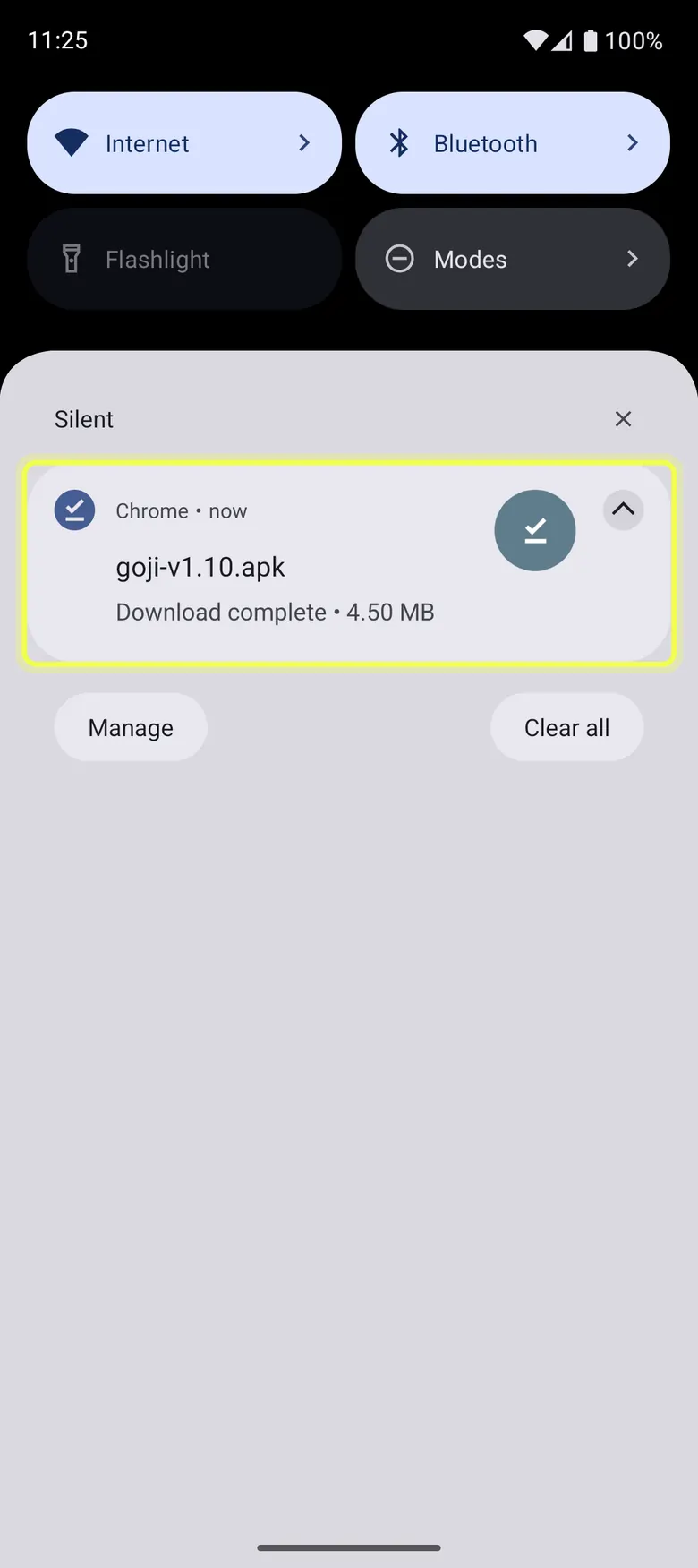
Tap the download button. When the download is complete, tap the Goji app file (APK). 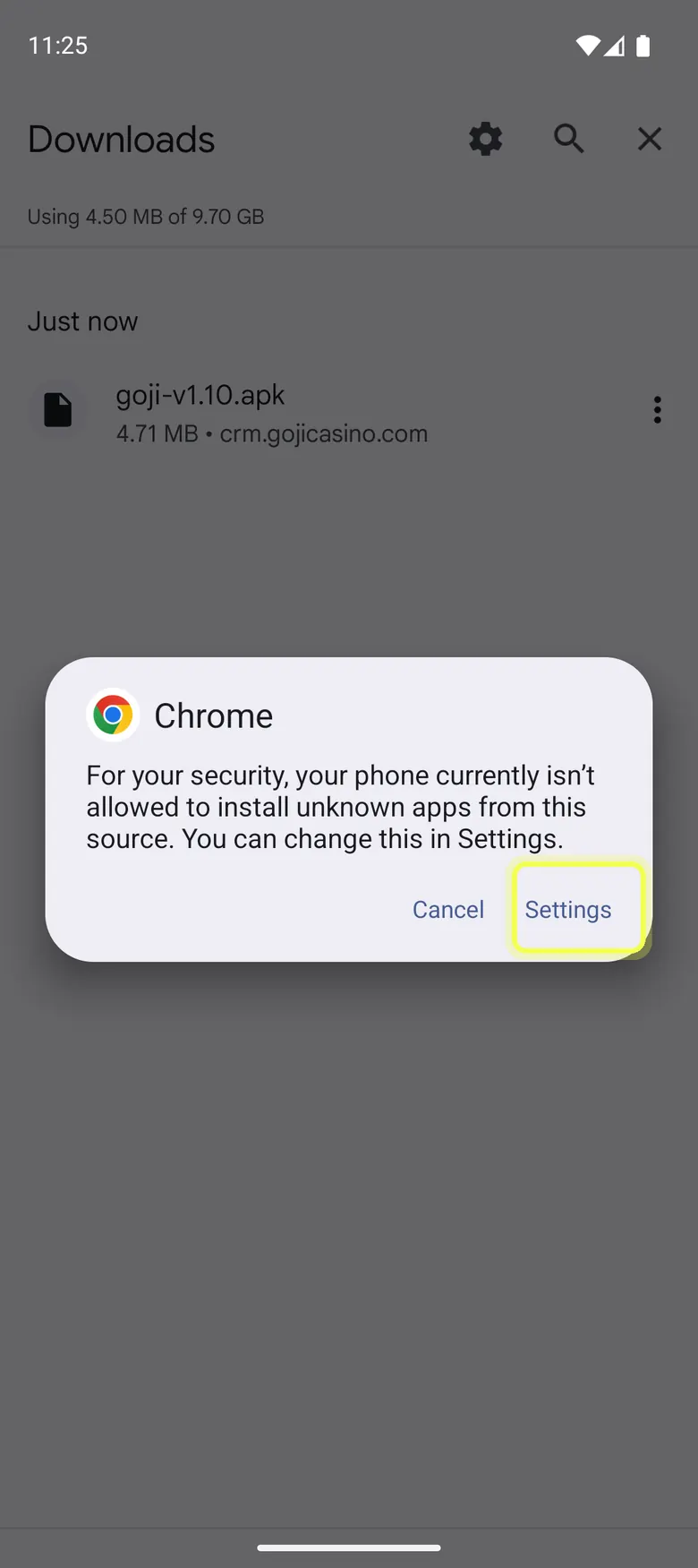
Android may say it does not install apps from this source. Tap Settings. 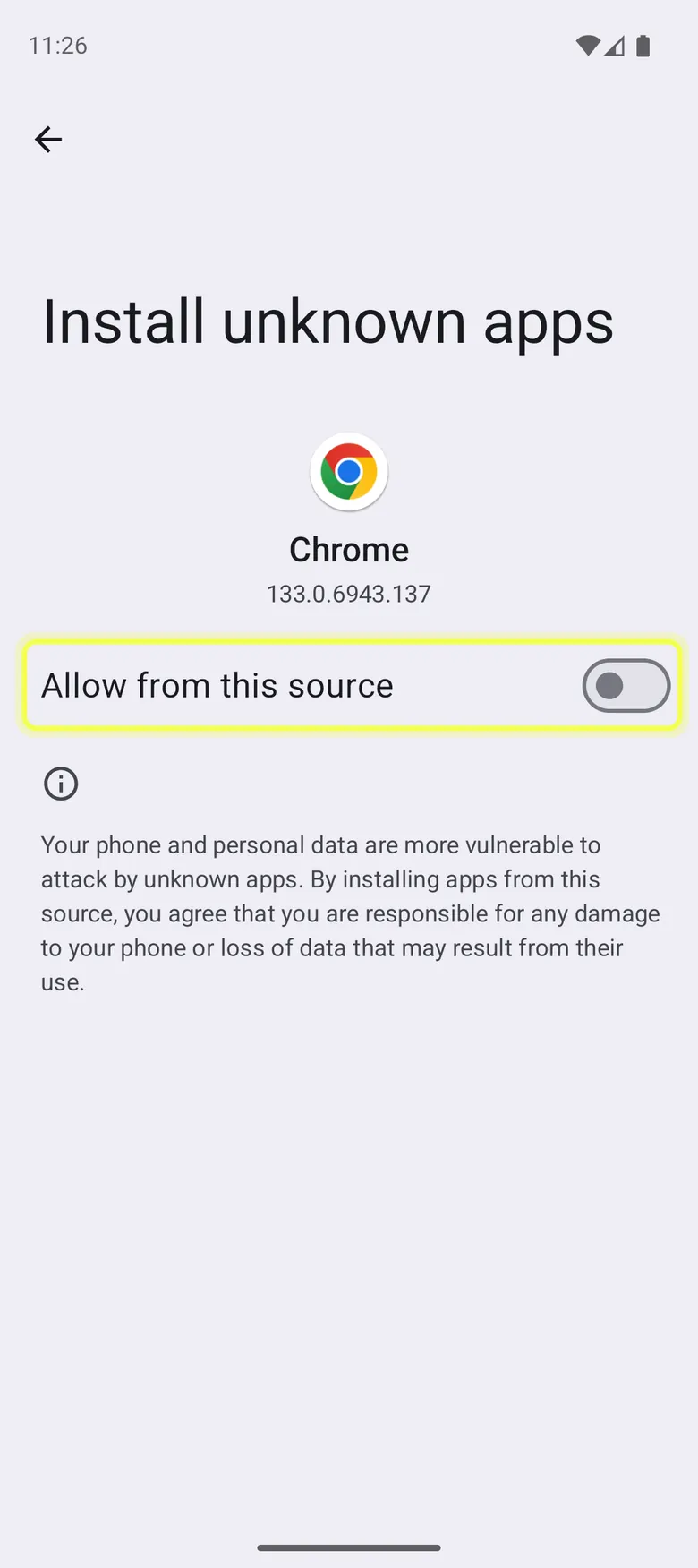
Turn on Allow from this source, then go back. You do this only once. 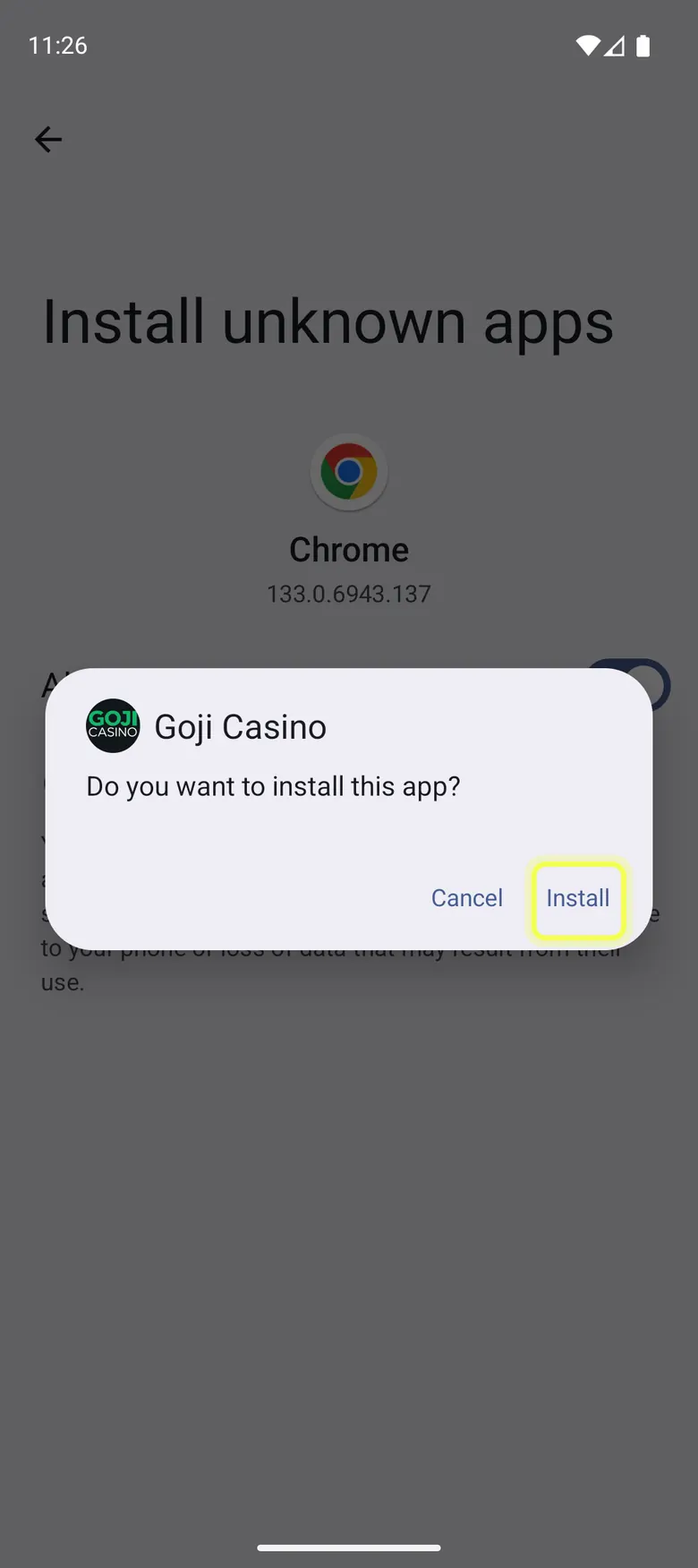
Tap Install. 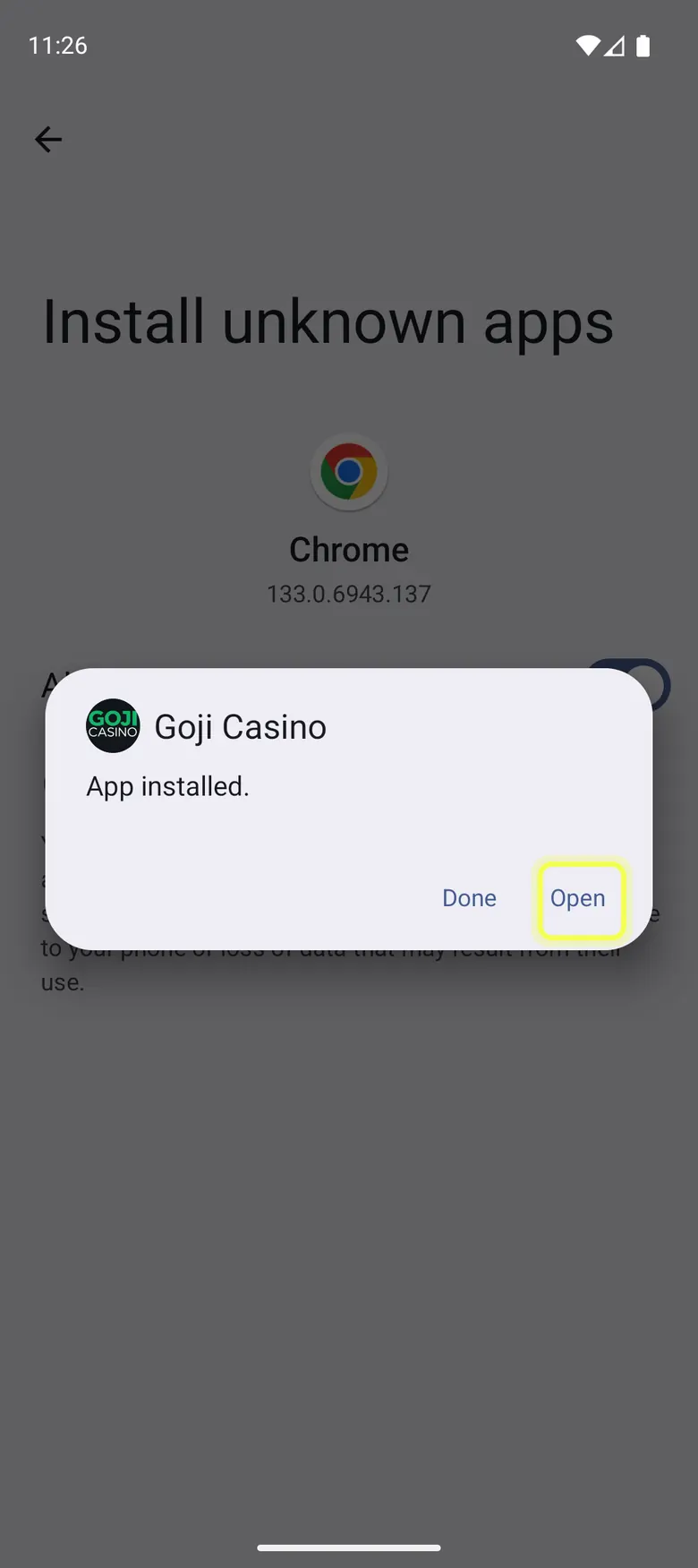
Tap Open.
Get your gift in the app
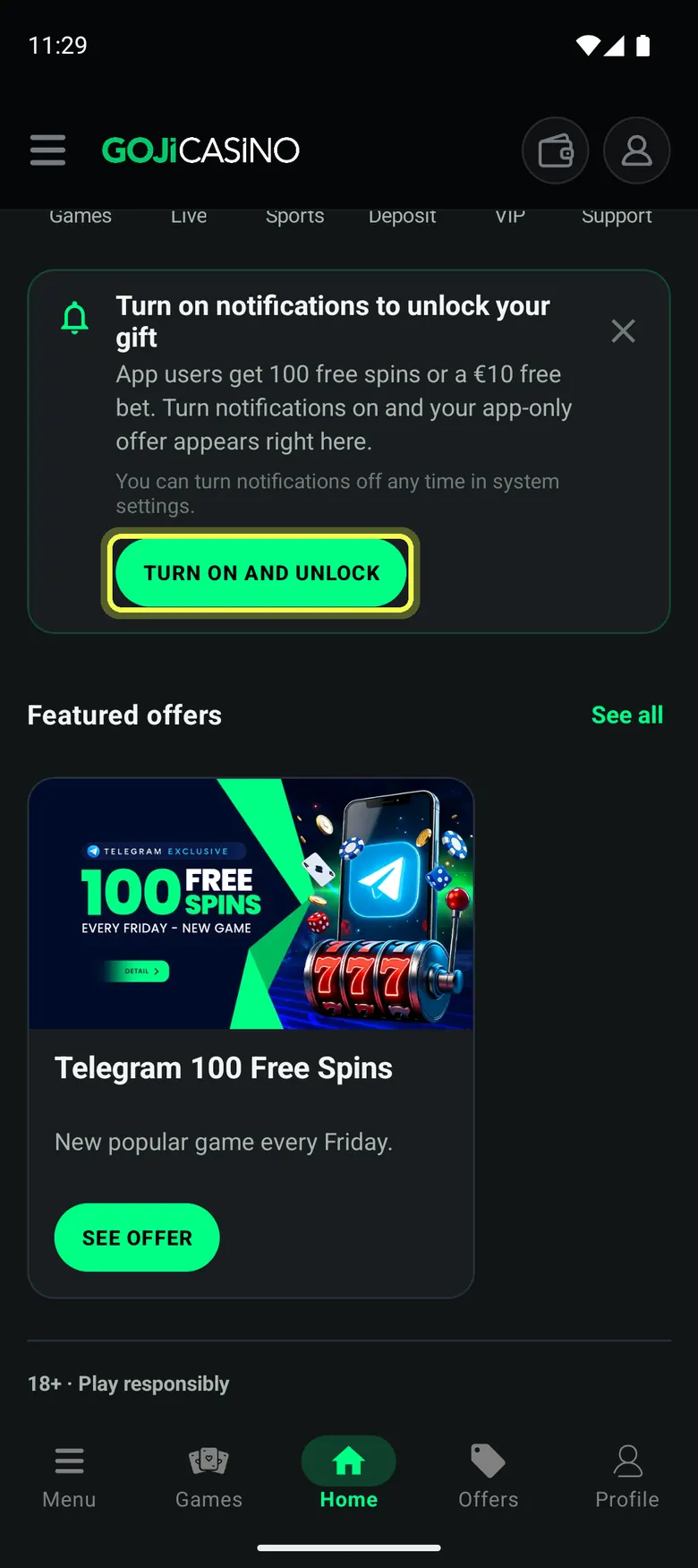
On Home, tap Turn on and unlock. 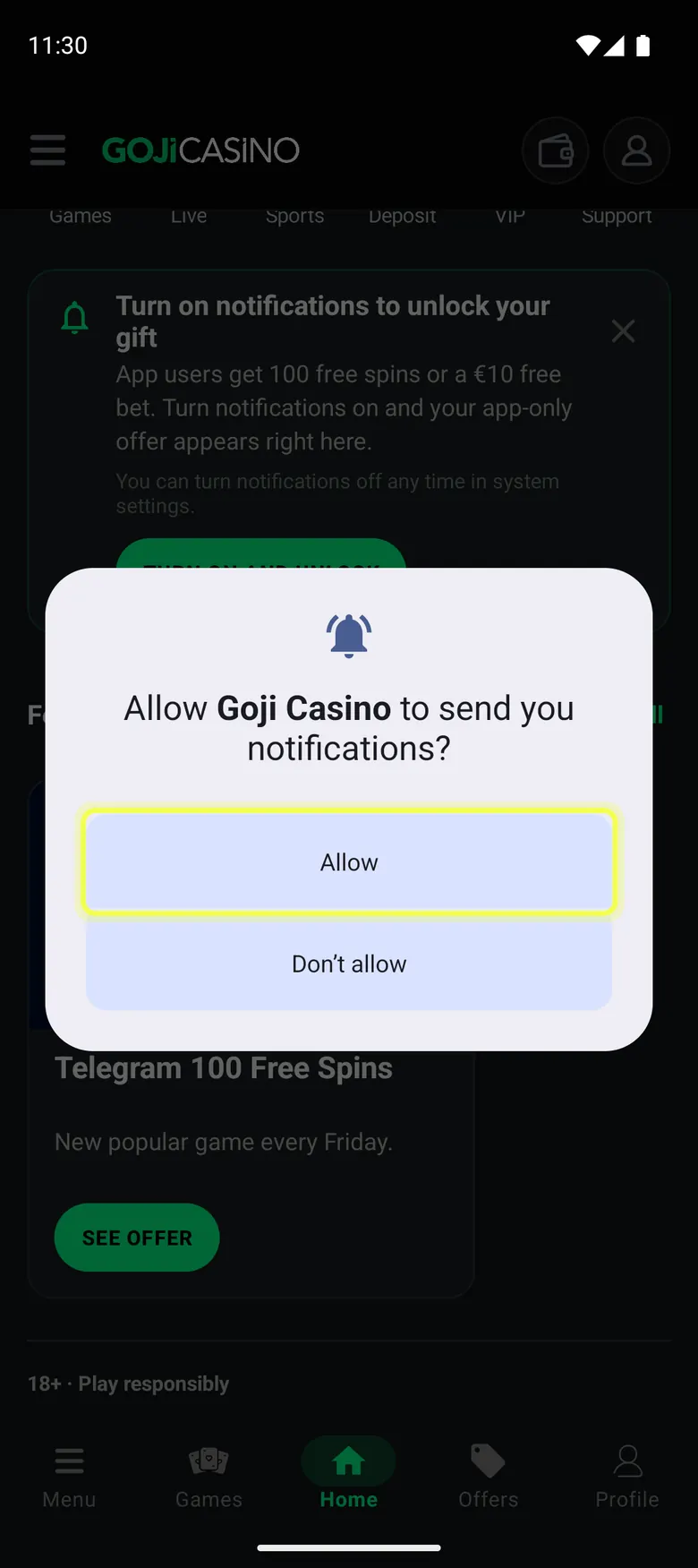
Tap Allow. 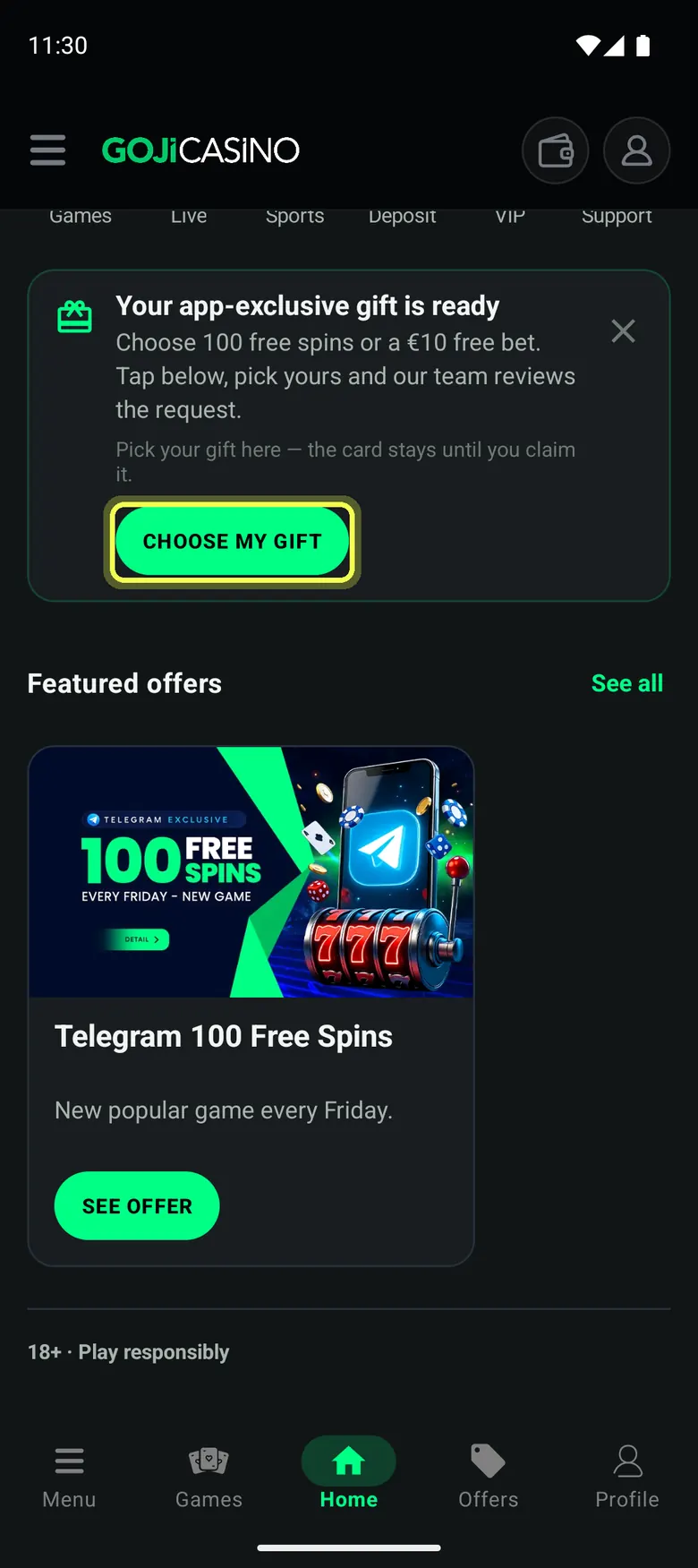
Your gift card is ready. Tap Choose my gift. 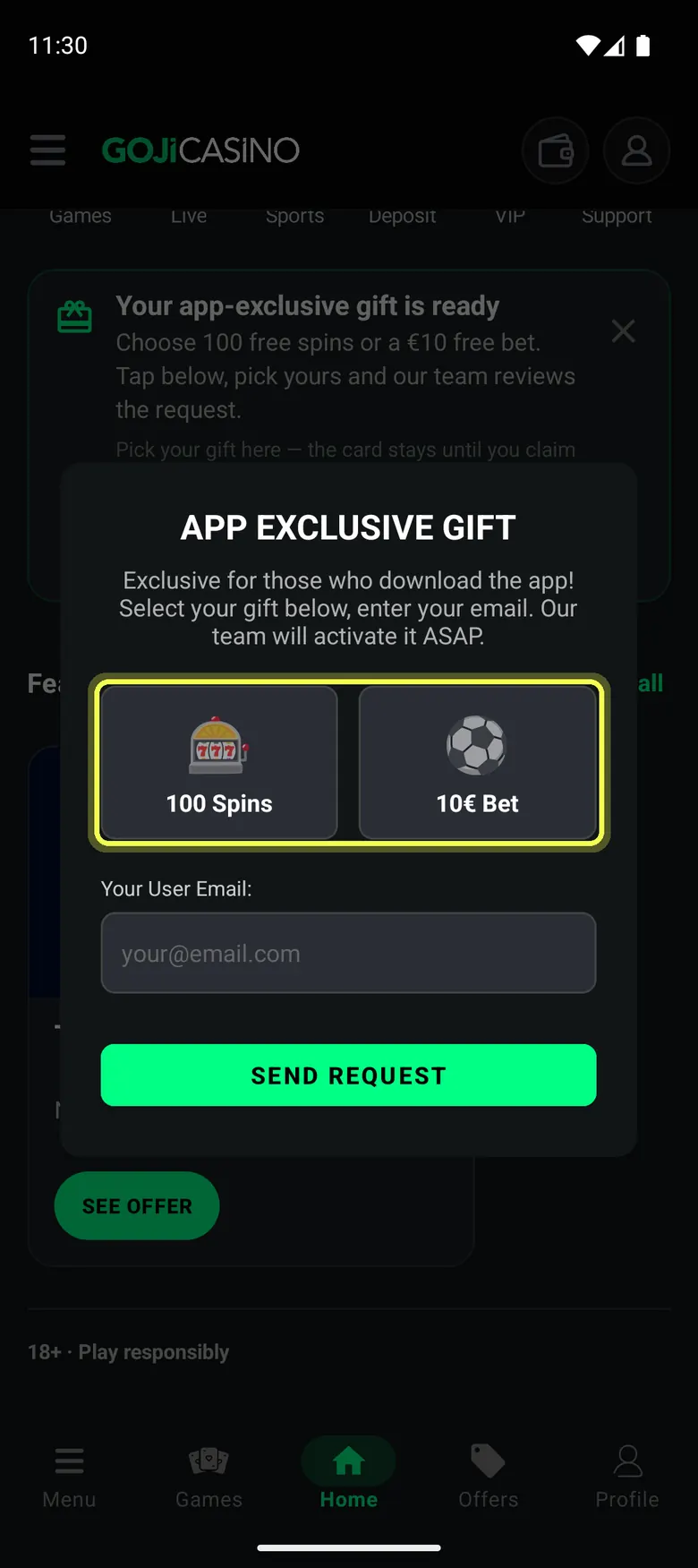
Choose the free spins or the sports free bet. 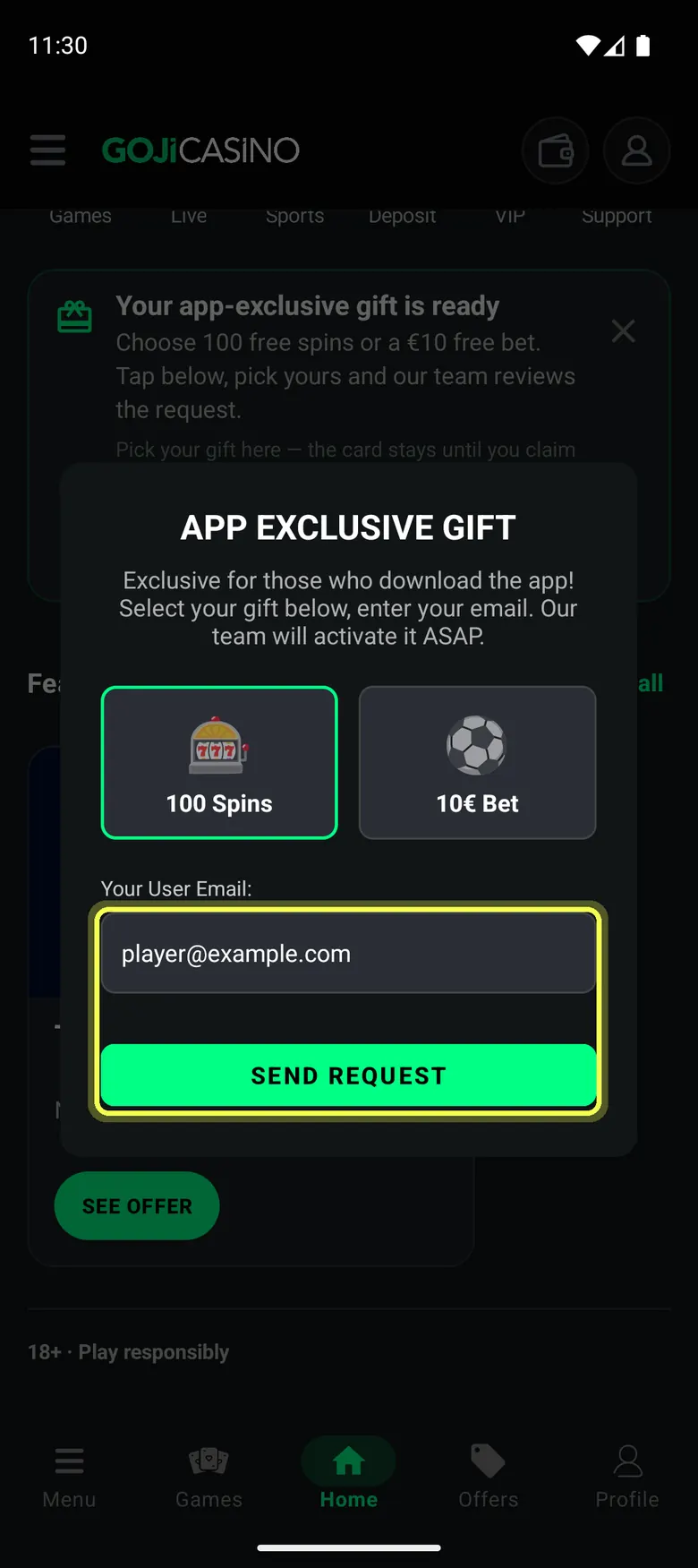
Type the e-mail of your Goji Casino account and tap Send request. The app shows Request received.
Good to know
- You need a Goji Casino account. You do not have to log in to the app: type the e-mail address of your account.
- The gift card is on the app's Home screen. It shows after you turn on notifications.
- Your request is checked automatically. Most requests are done within a few minutes. You do not need to send it again.
- If you already have an active bonus, the spins wait until that bonus is finished.
- The free bet is for sports and only for accounts in euro. Accounts in other currencies get the spins.
Who cannot get it
- One app gift per player, for life: the spins or the free bet, not both.
- The e-mail must be the e-mail of your Goji Casino account.
- Already got a free reward without a deposit (Telegram Free Spin Friday or a sign-up code)? Make a new deposit after that reward first. Any amount.
- Not available in Turkey, Russia, Indonesia, Bangladesh, India, Nigeria and the Philippines.
- Not for self-excluded or blocked accounts.
- Not for a second account. If another account on the same device and network already got a free reward, the request is refused.
Telegram Free Spin Friday
Every Friday a new Free Spin Friday post is pinned in the Goji Telegram channel. You claim the spins through the Goji bot, @GojiCasinoBot.
Offers that work this way
One claim per week, Friday to Thursday. Your first claim needs no deposit. To claim again in a new week, make a deposit after your last reward. The Friday post shows the minimum.
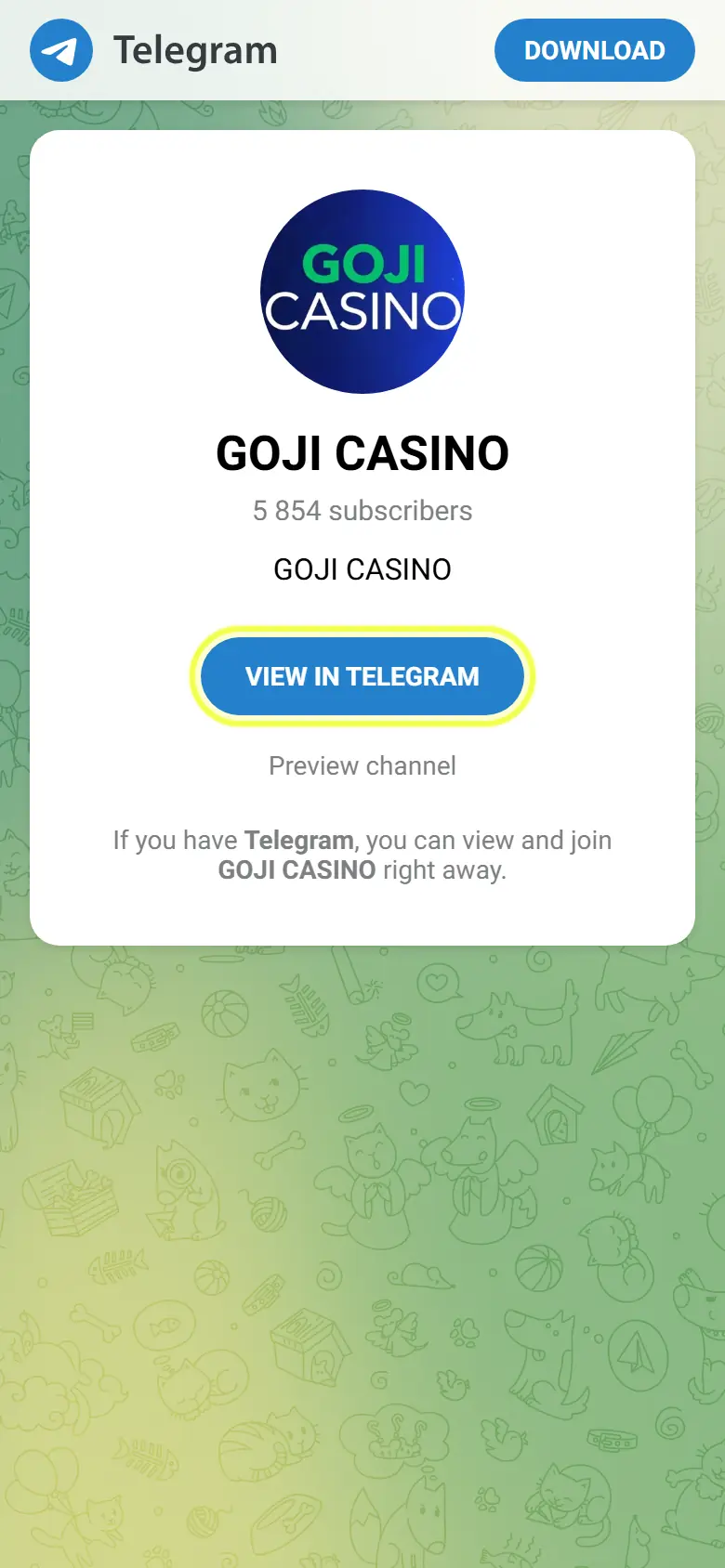
Join the Goji Telegram channel: t.me/gojicasino. 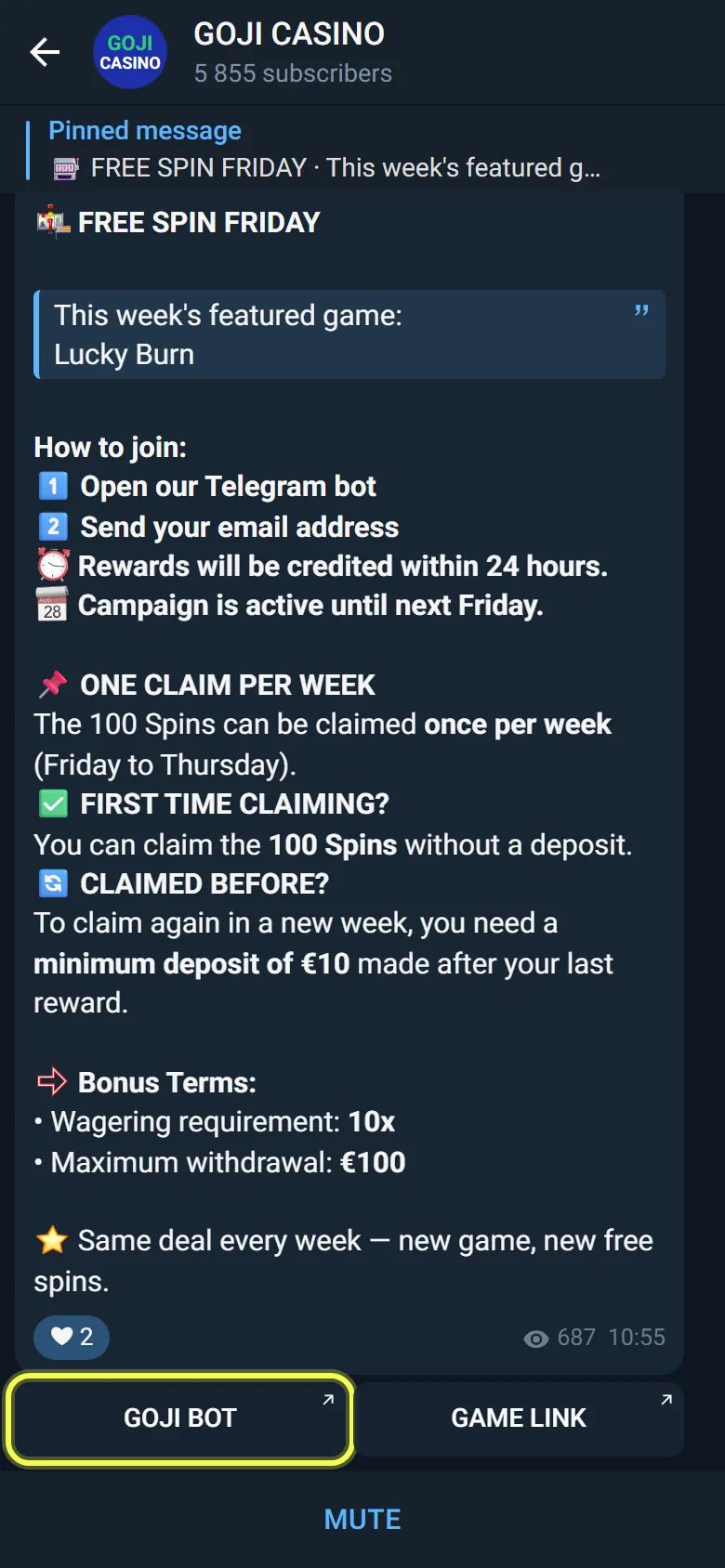
Open the pinned Free Spin Friday post and tap GOJI BOT. You can also open @GojiCasinoBot directly. 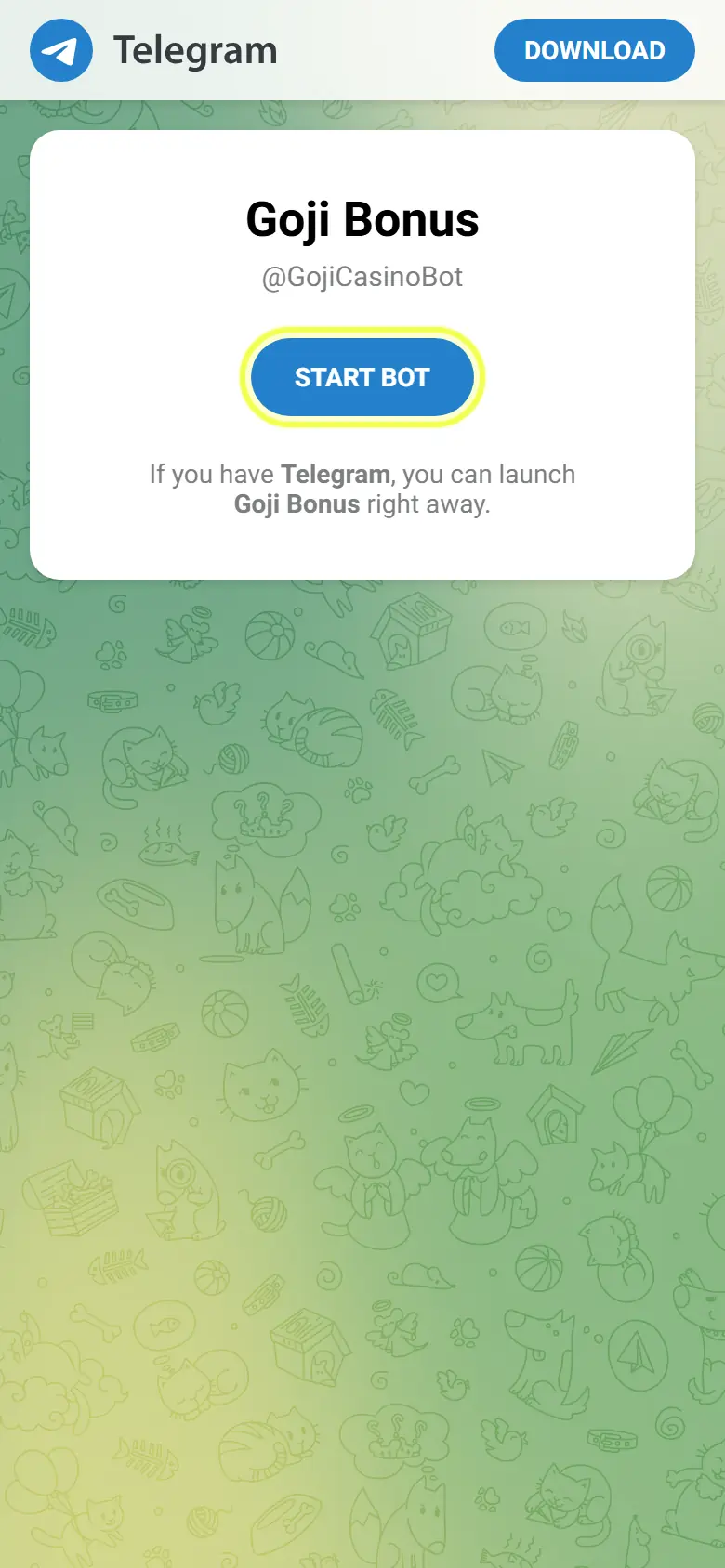
Start the bot and send the email of your Goji account. The spins are credited to your account.
Spins giveaways on X and Telegram
We announce free spins giveaways on X and on Telegram. Entry is free. Each giveaway has its own prize, game and dates.
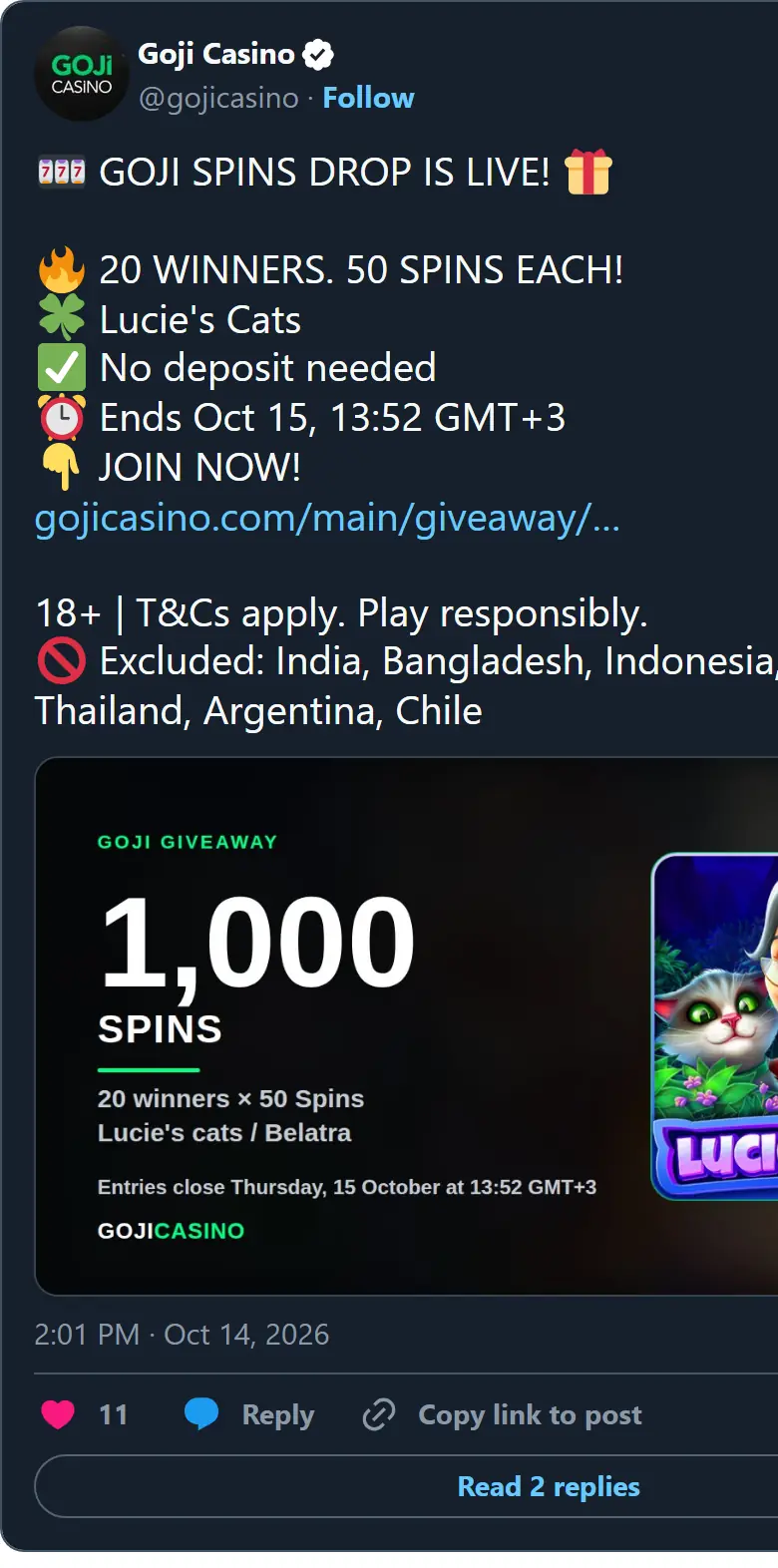
Giveaways are posted on X (@gojicasino) and on our Telegram channel. Tap the link in the post. 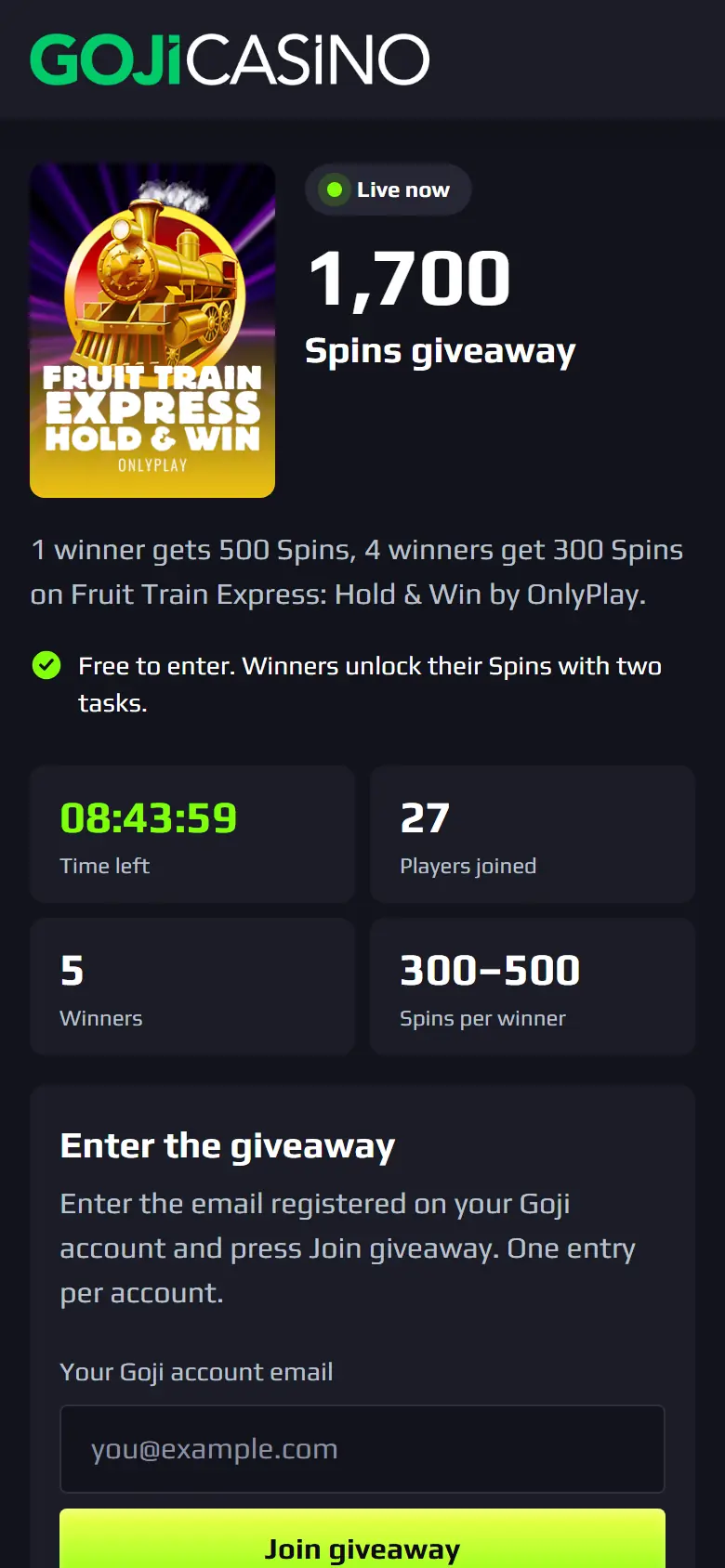
The giveaway page shows the prize, the game, the time left and how many players joined. 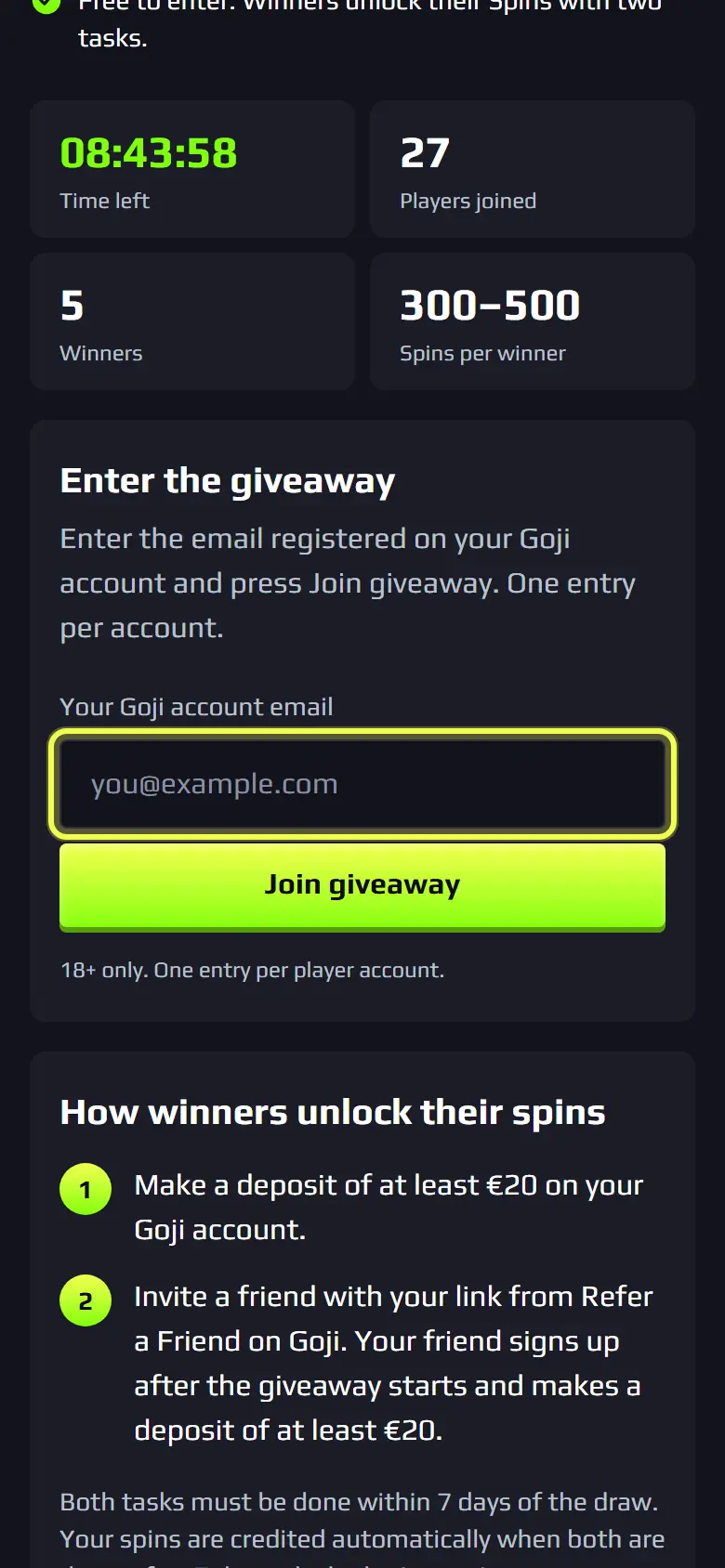
Type the email of your Goji account and tap Join giveaway. One entry per account. 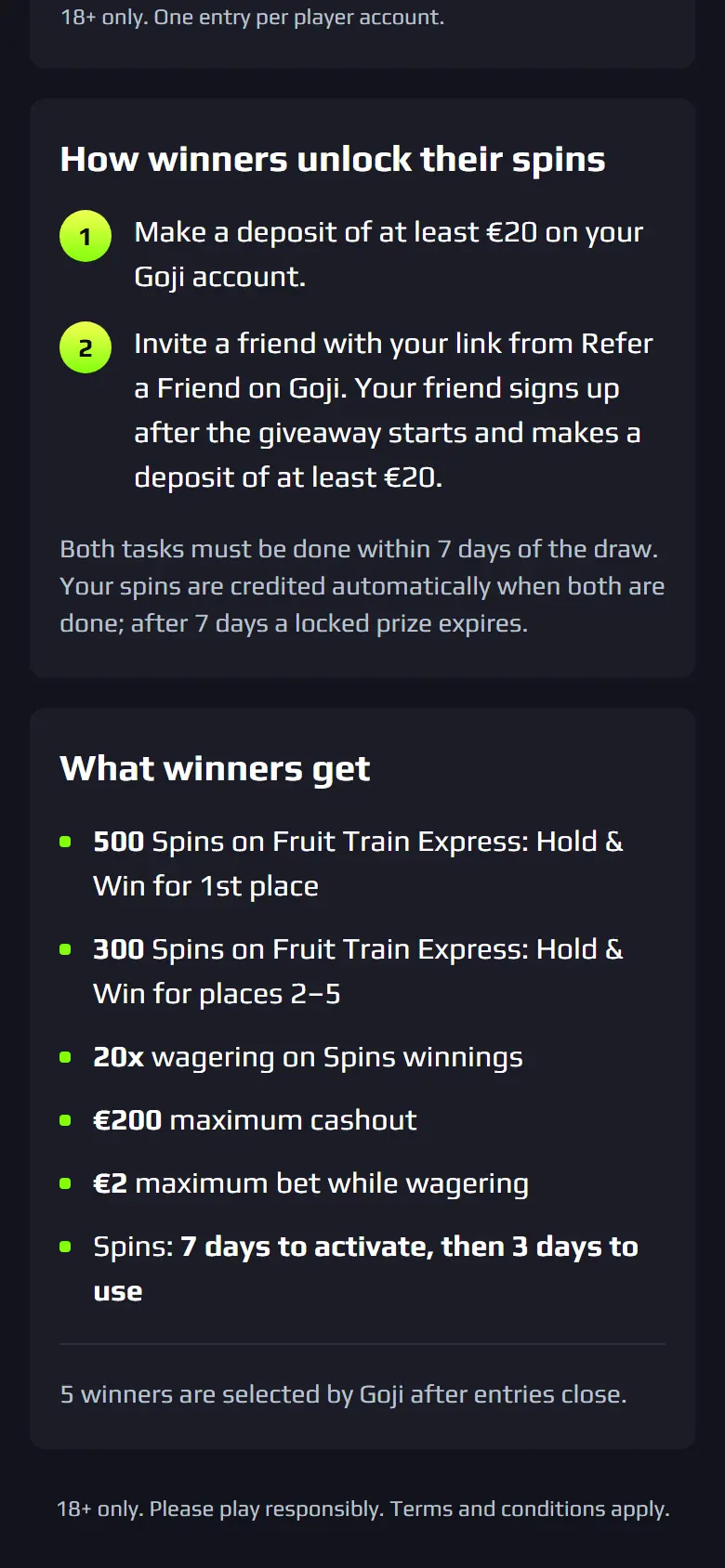
Goji selects the winners after entries close. Winners unlock their spins with the tasks shown on the page.
VIP levels, cashback, Shop and birthday spins
You collect VIP XP as you play. Each level has its own cashback rate and Shop points rate.
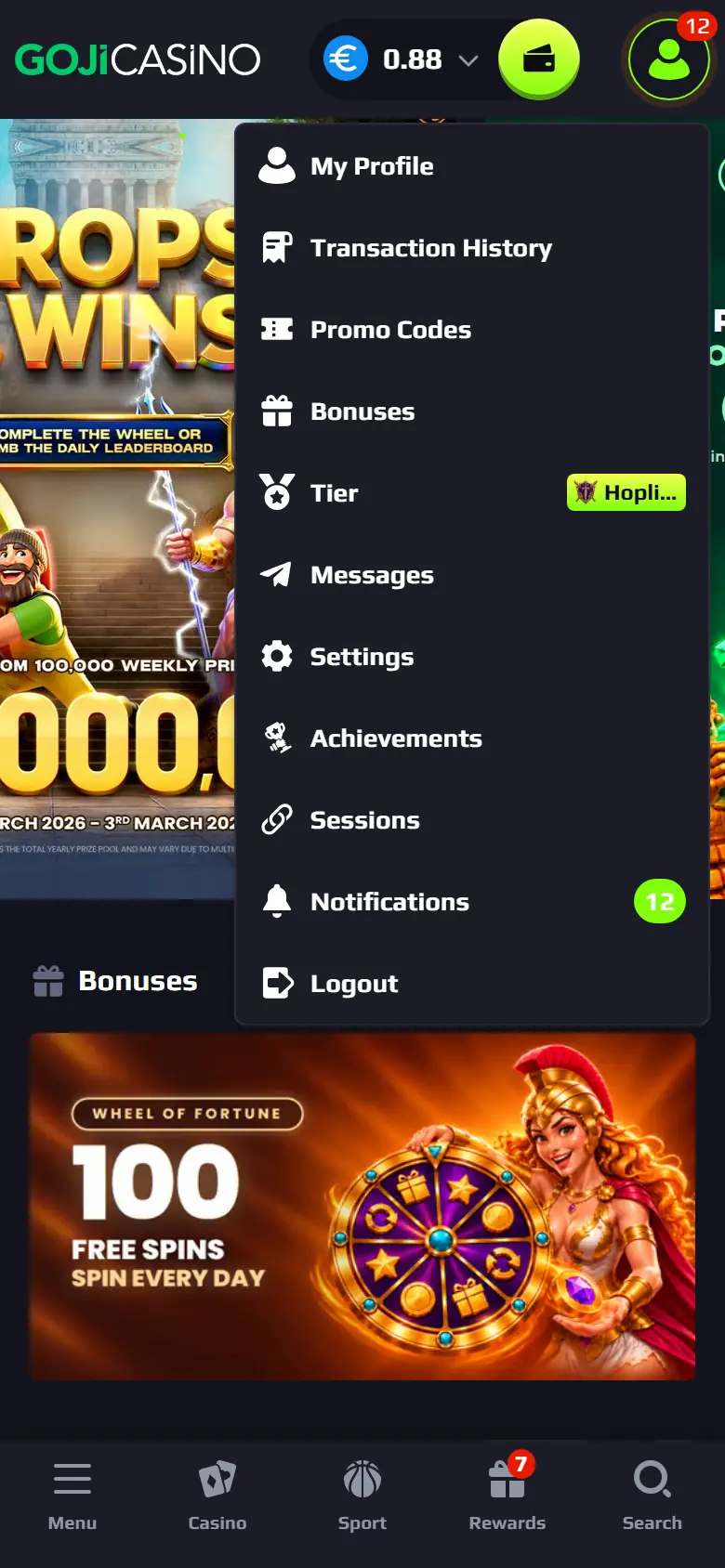
Tap your profile icon. Tier shows your VIP level. 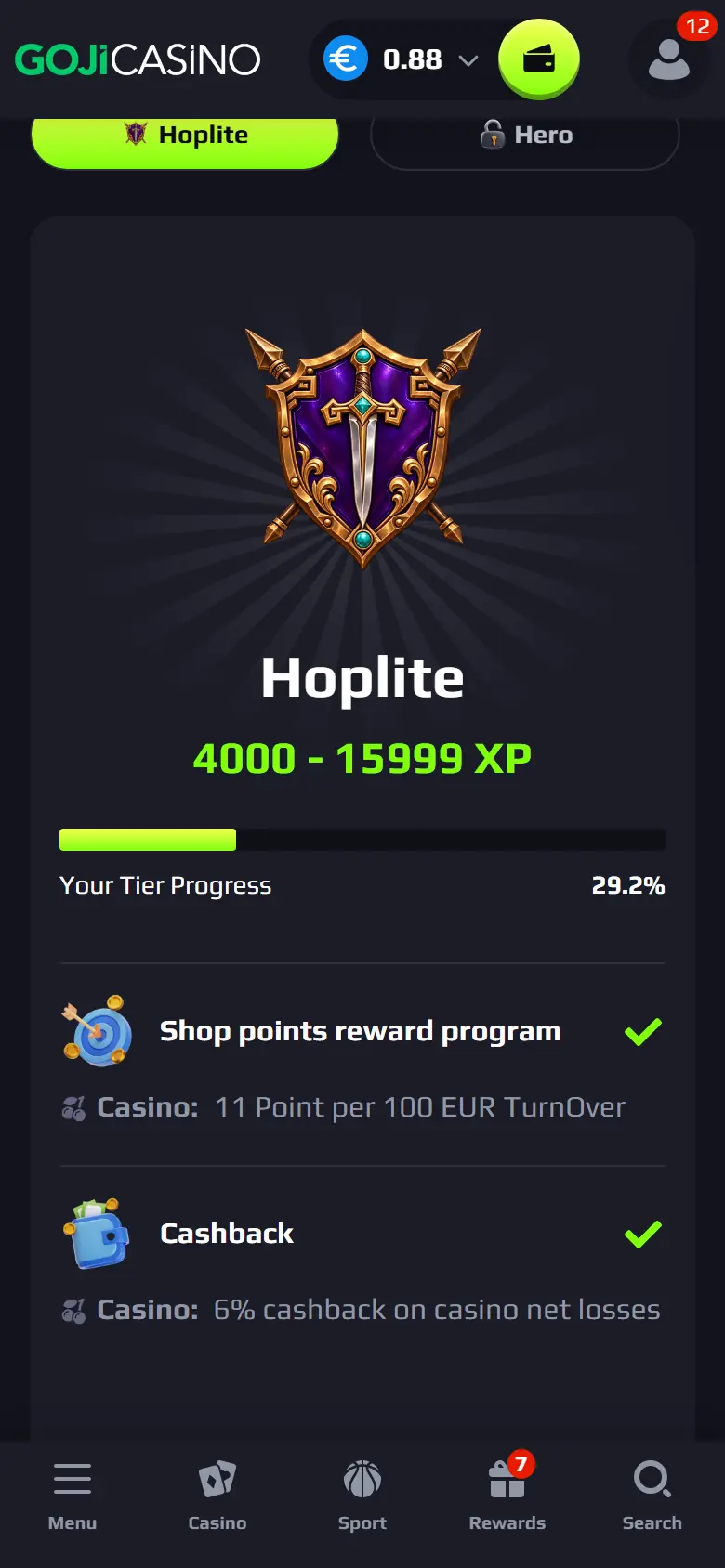
On the VIP page, see your progress and what your level gives. 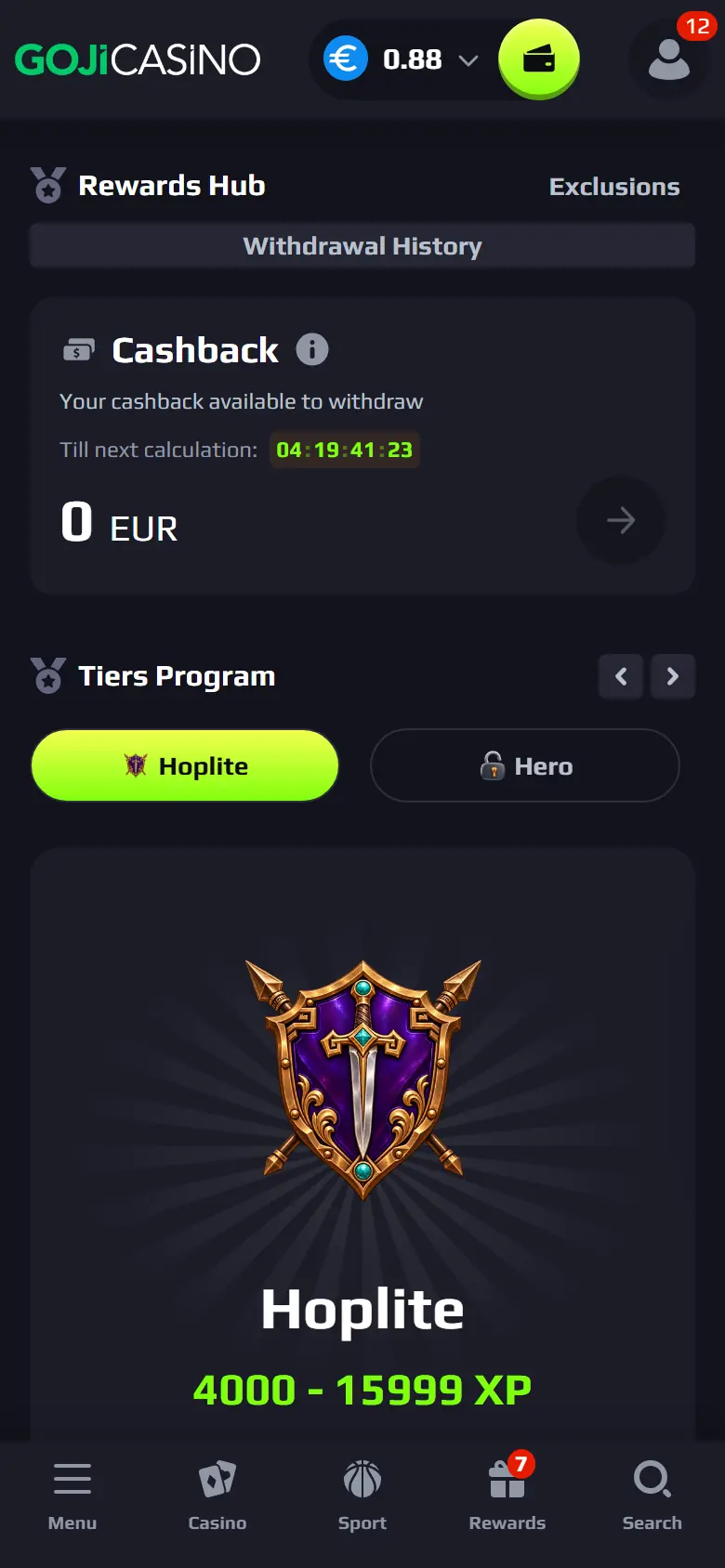
Weekly cashback is calculated for you. Claim it in the Rewards Hub. 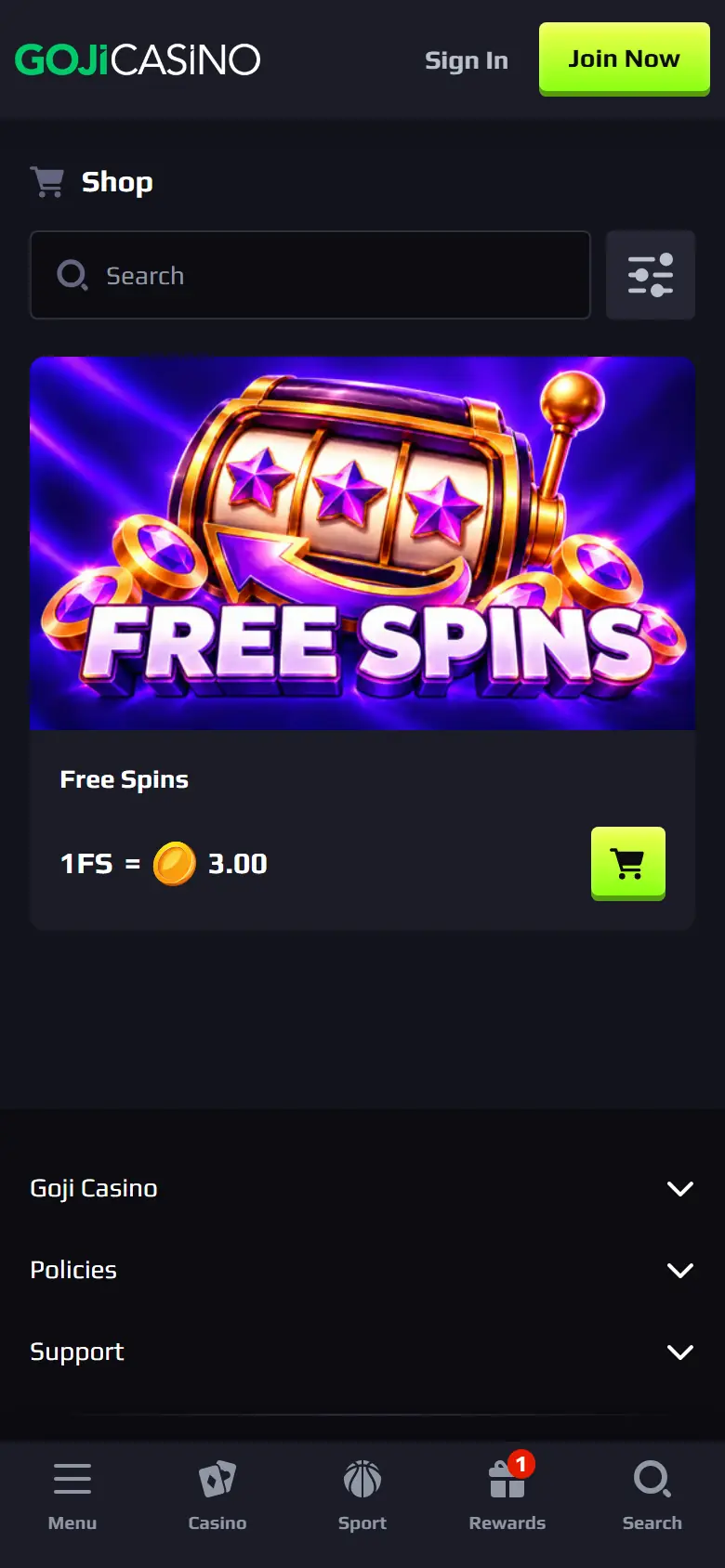
Spend your Shop points on free spins or a free bet in the Shop. 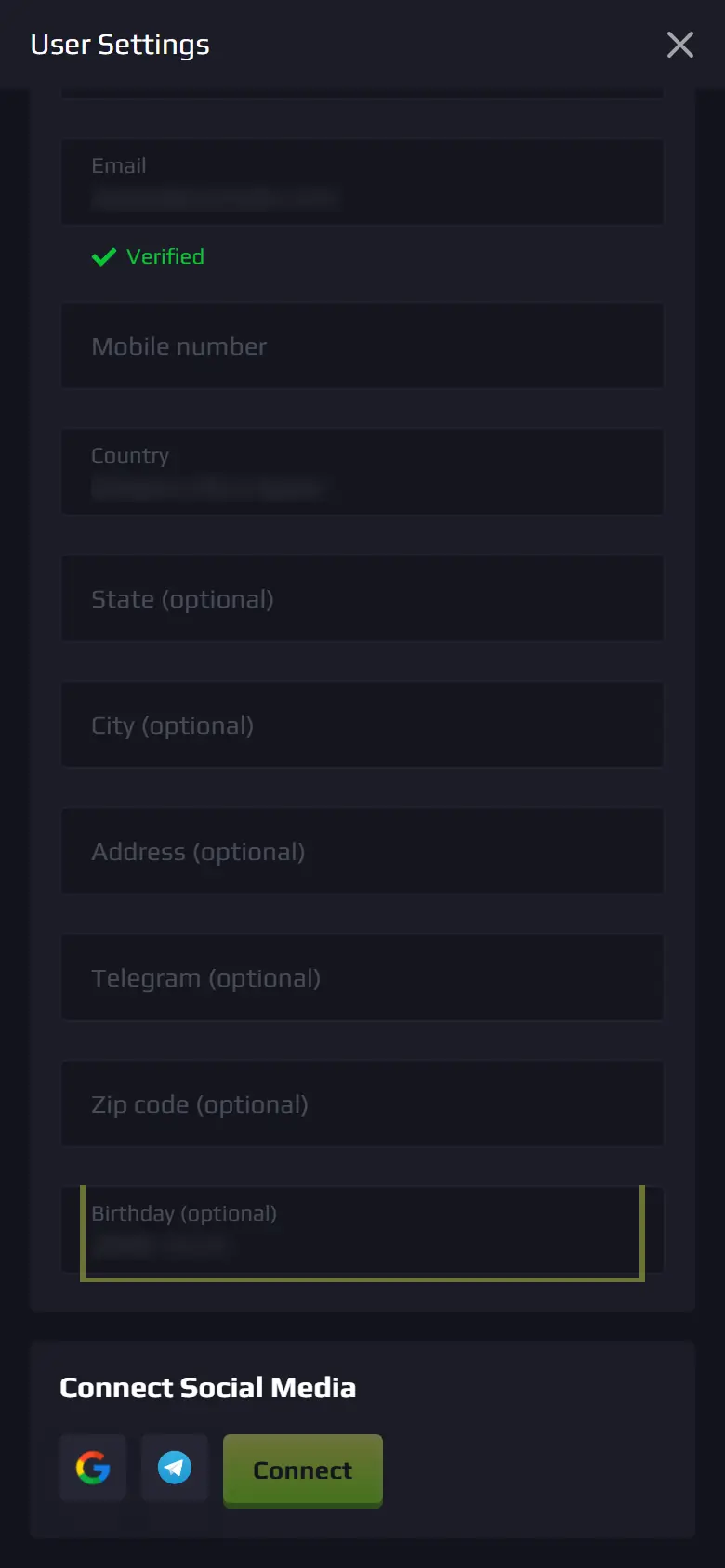
Add your birthday in My Profile. VIP players who have made a deposit get spins on their birthday.
Sign up and choose your welcome offer
New players enter a sign-up code in the form and choose the welcome bonus in the cashier.
Offers that work this way
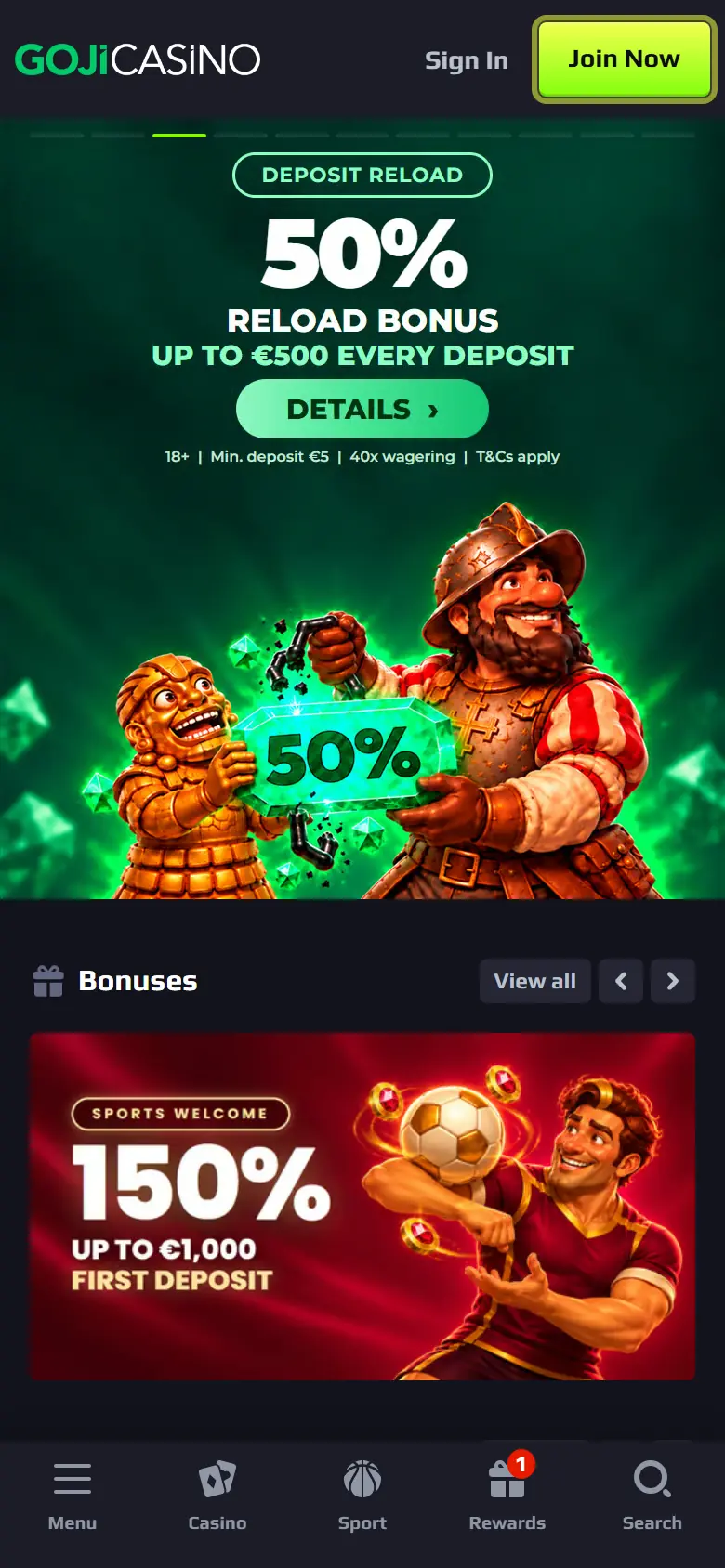
Tap Join Now at the top of gojicasino.com. 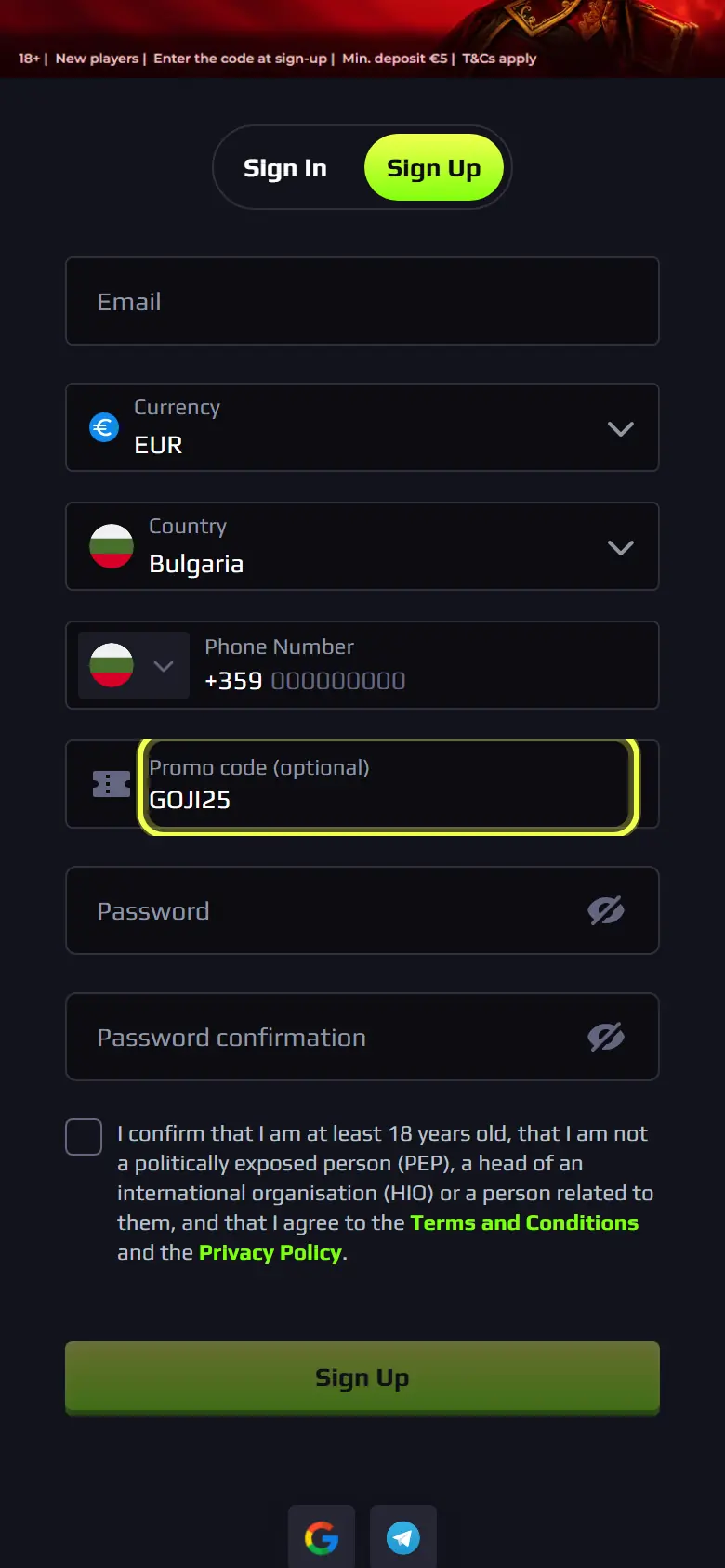
Fill in the form. If you have a sign-up code (for example GOJI25), type it in the Promo code field. 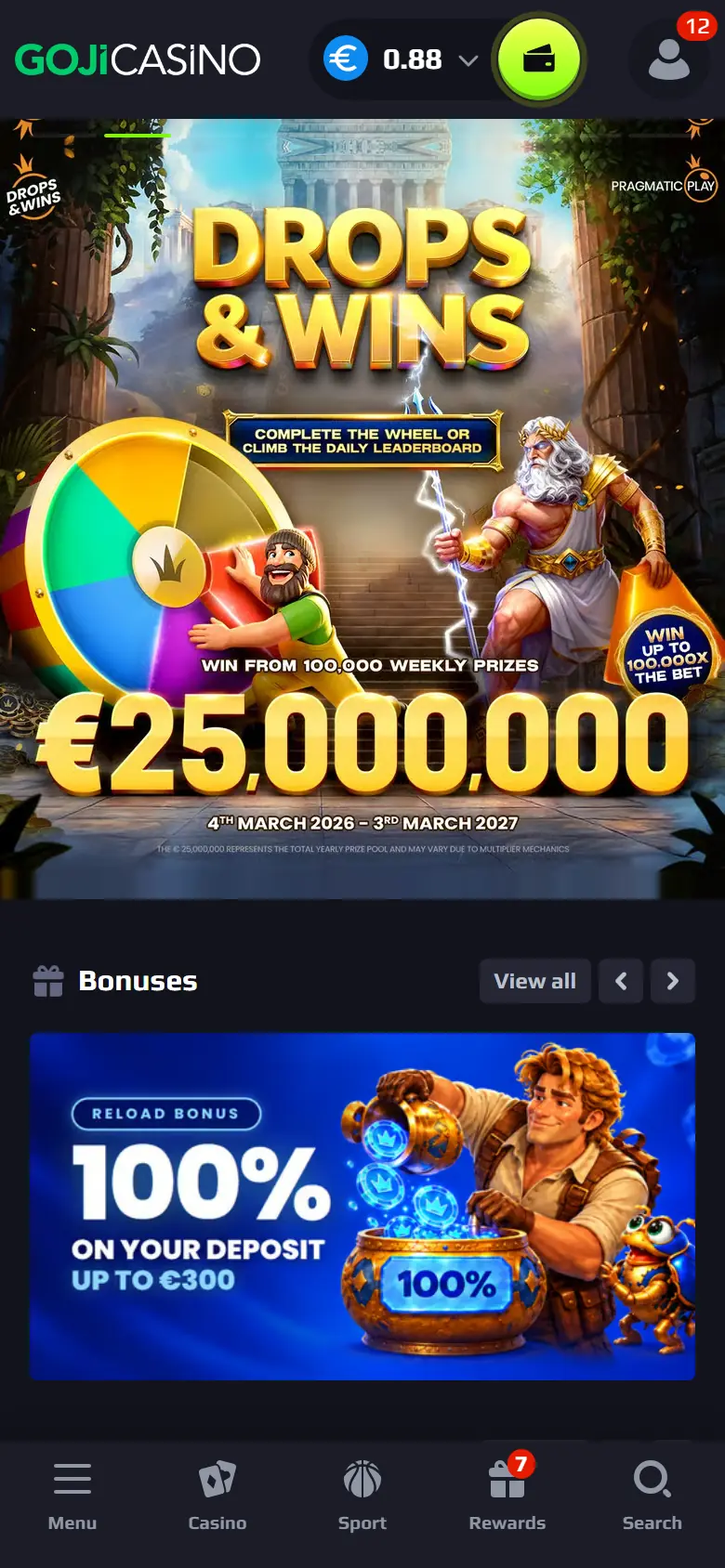
After sign-up, tap the green wallet button to open the cashier. 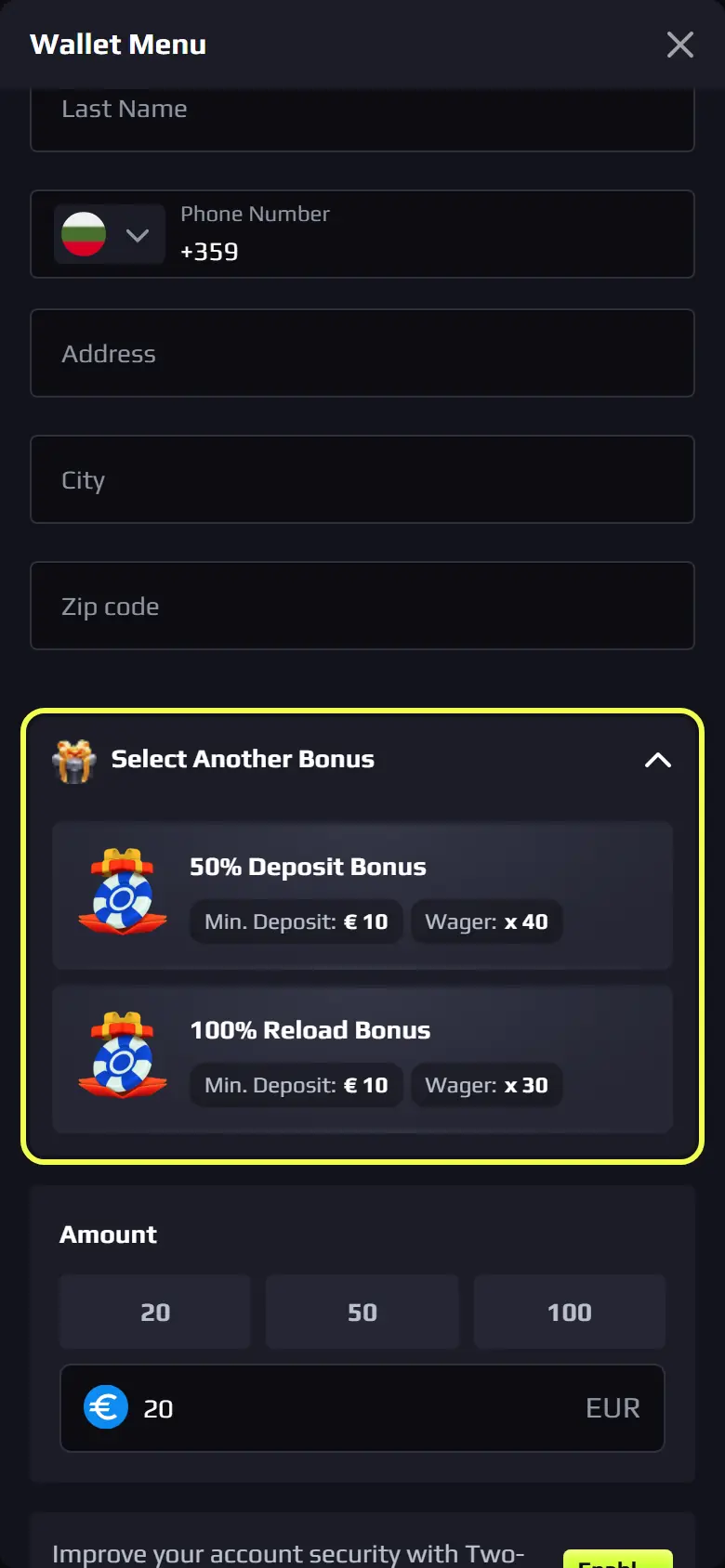
Choose your bonus under Select Another Bonus before you pay. Each bonus shows its minimum deposit and wagering.
Deposit bonuses for players with an account
Reload and deposit bonuses are chosen in the cashier, the same way as the welcome bonus.
Offers that work this way
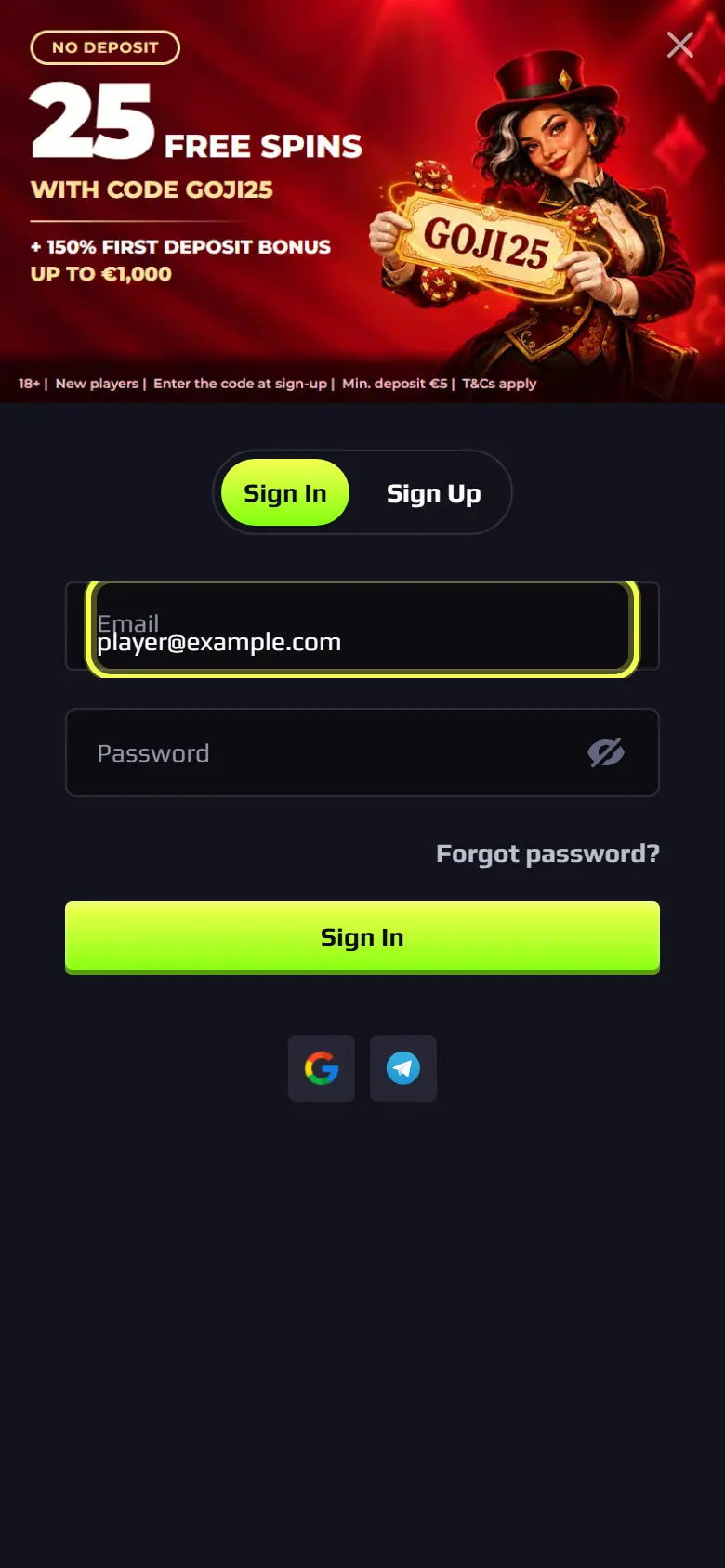
Tap Sign In and log in with your email and password. Open the cashier, pick the bonus and make your deposit. The bonus is added with the deposit.
Promo codes
Sign-up codes go in the sign-up form. All other codes go in Redeem Promo Code.
Offers that work this way
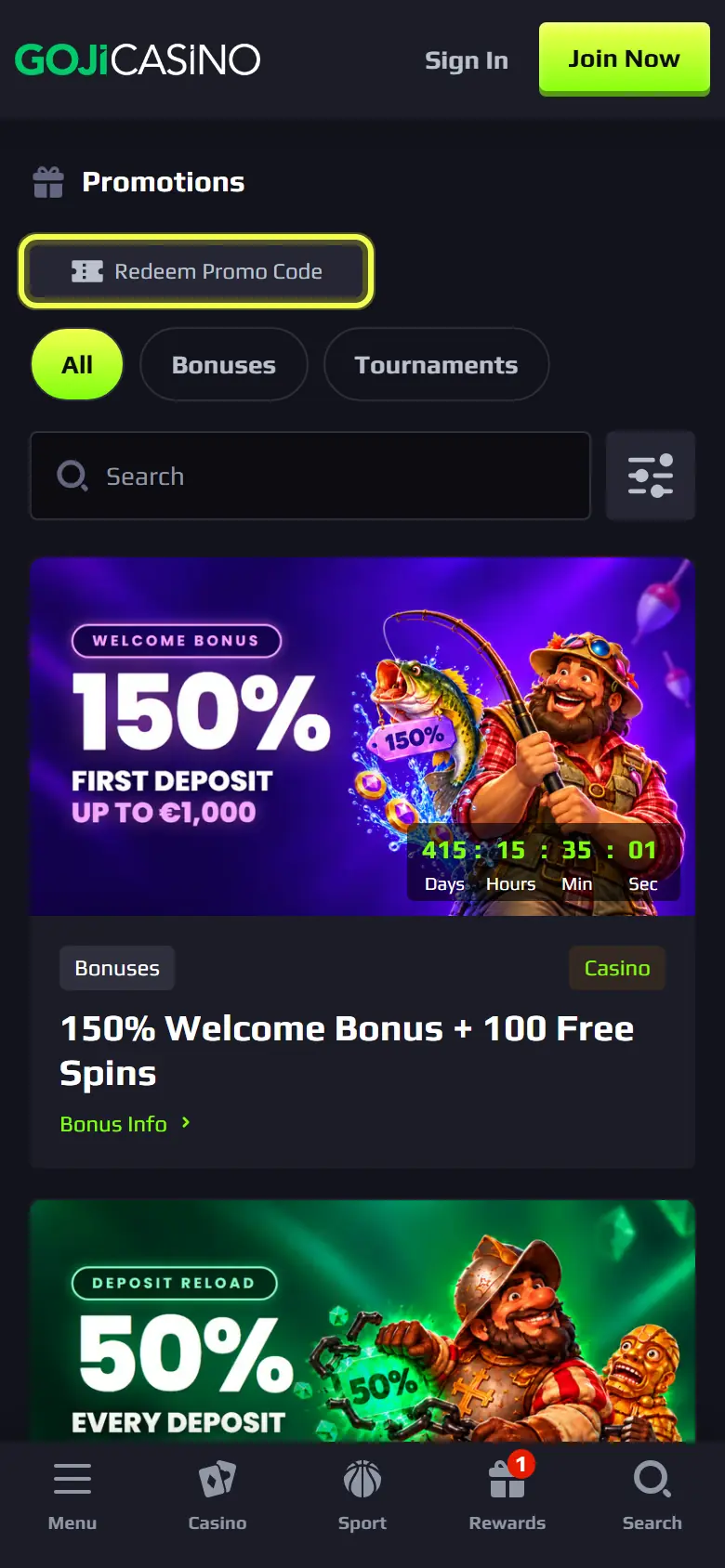
Open Promotions from the menu and tap Redeem Promo Code. 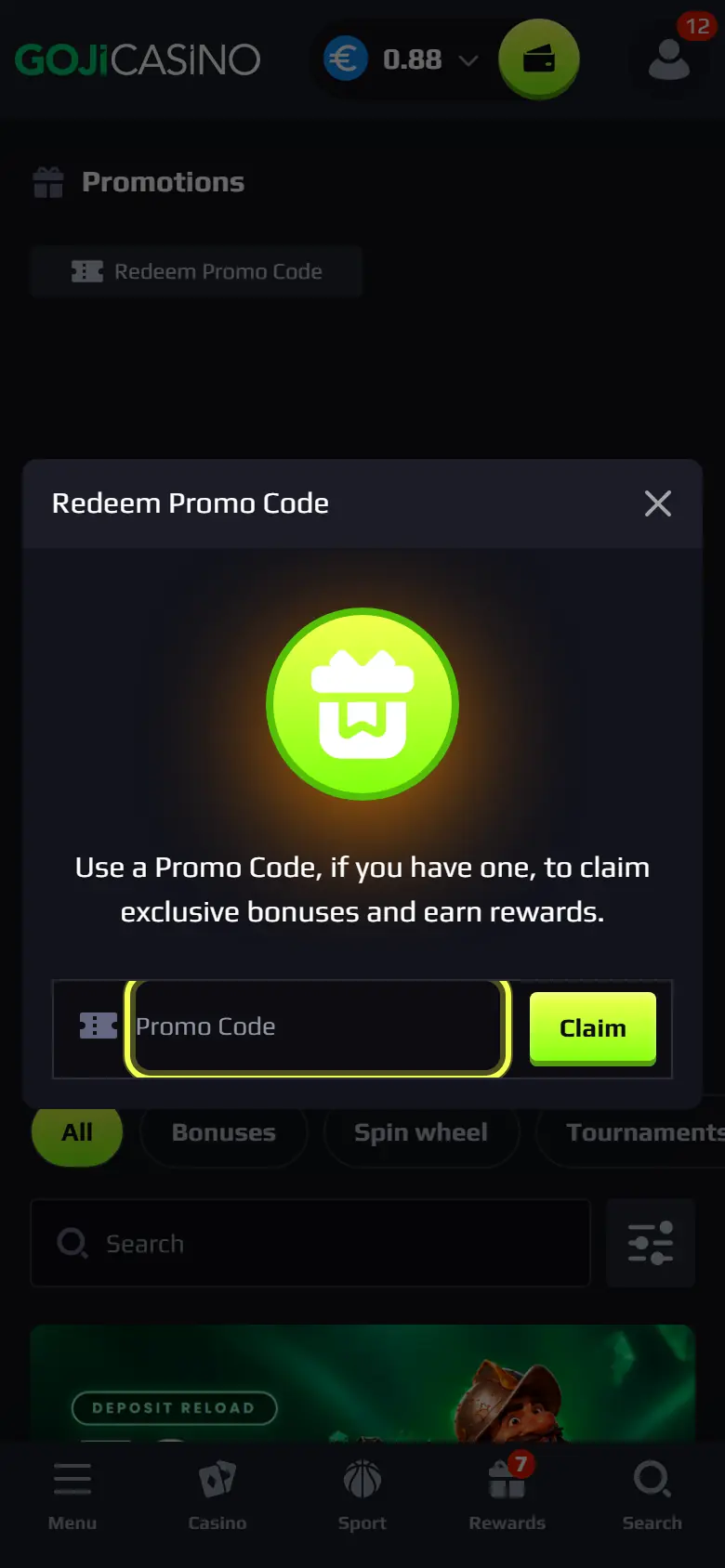
Type the code and tap Claim. Some codes need a deposit first: the offer's rules say so.
My Rewards and the Wheel of Fortune
Rewards collects what you can claim now: cashback, achievement spins and active bonuses.
Offers that work this way
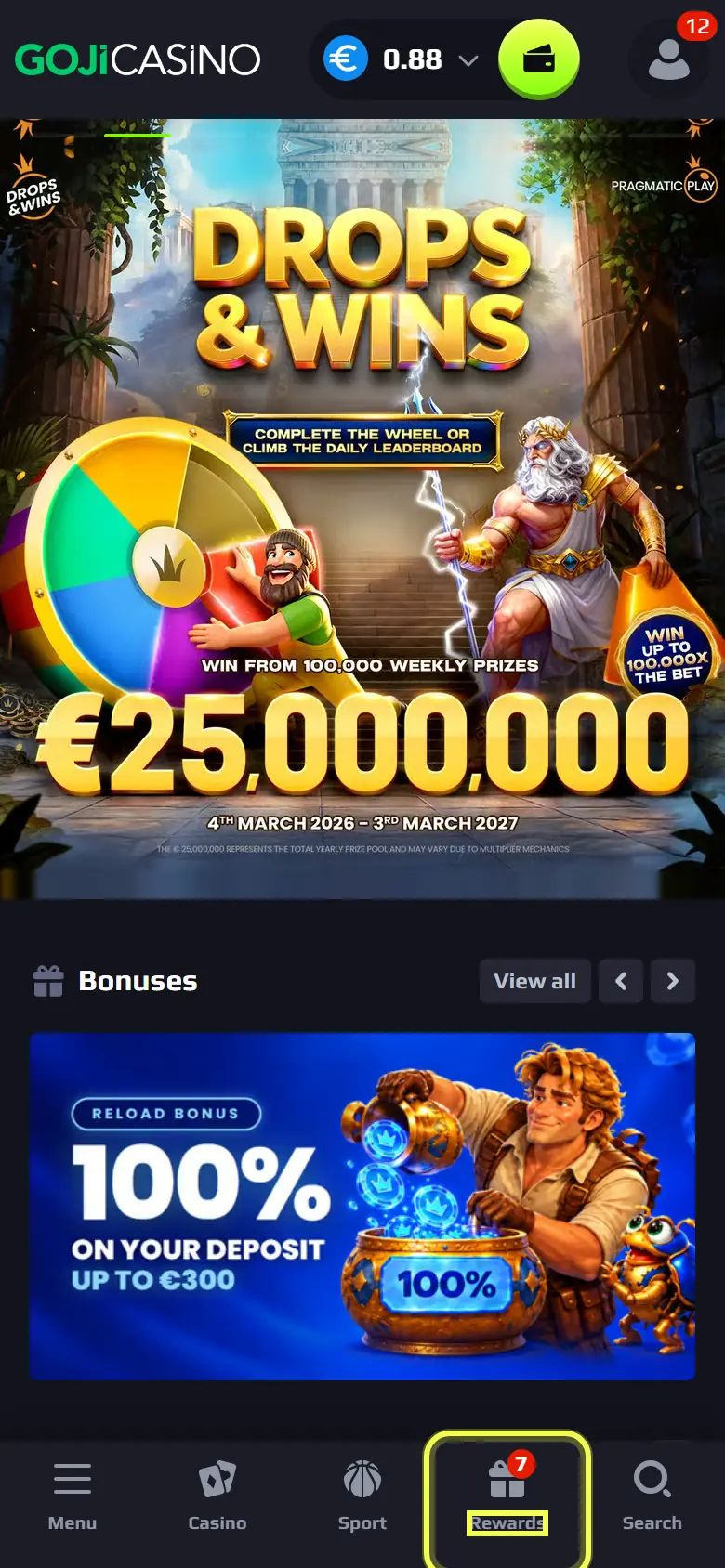
Tap Rewards in the bar at the bottom of the screen. 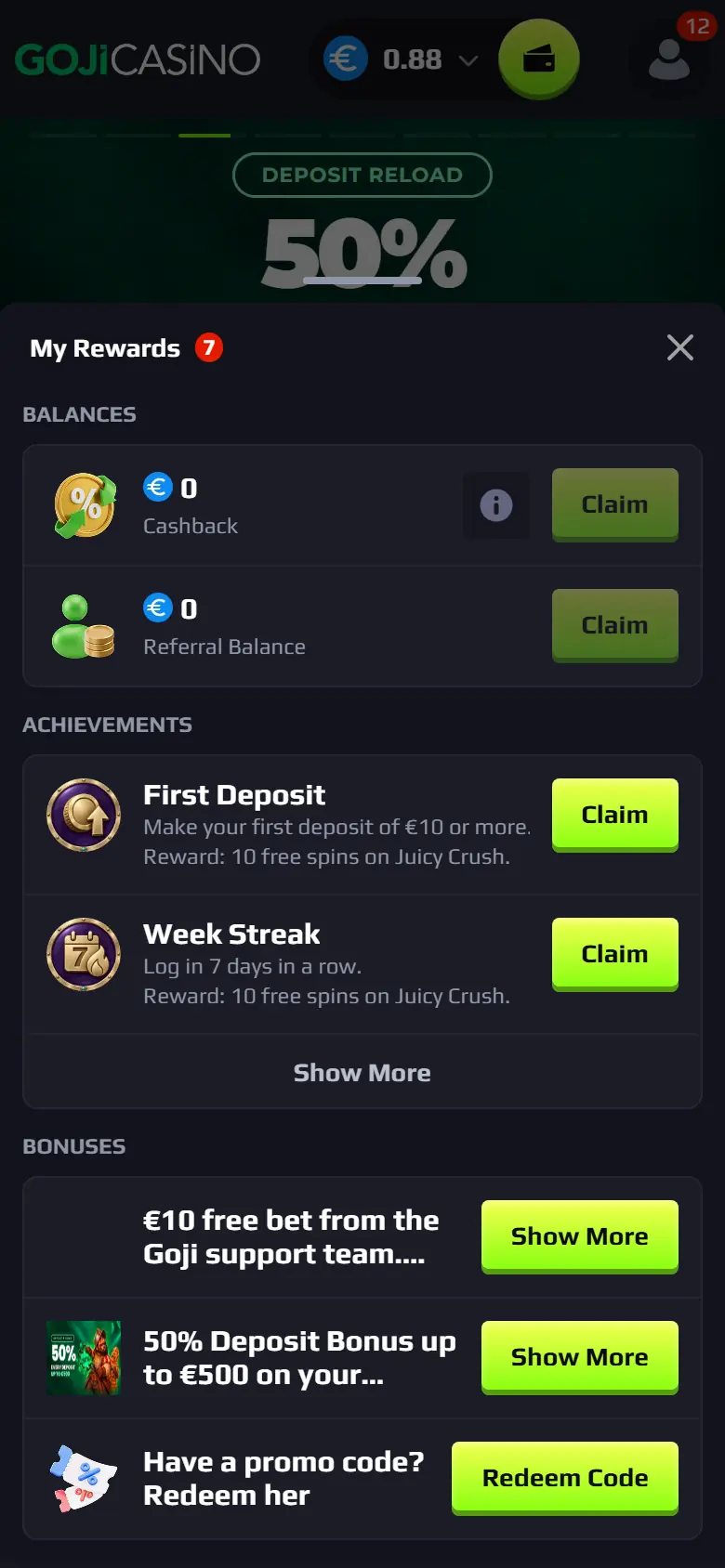
My Rewards opens. Tap Claim when a reward is ready. 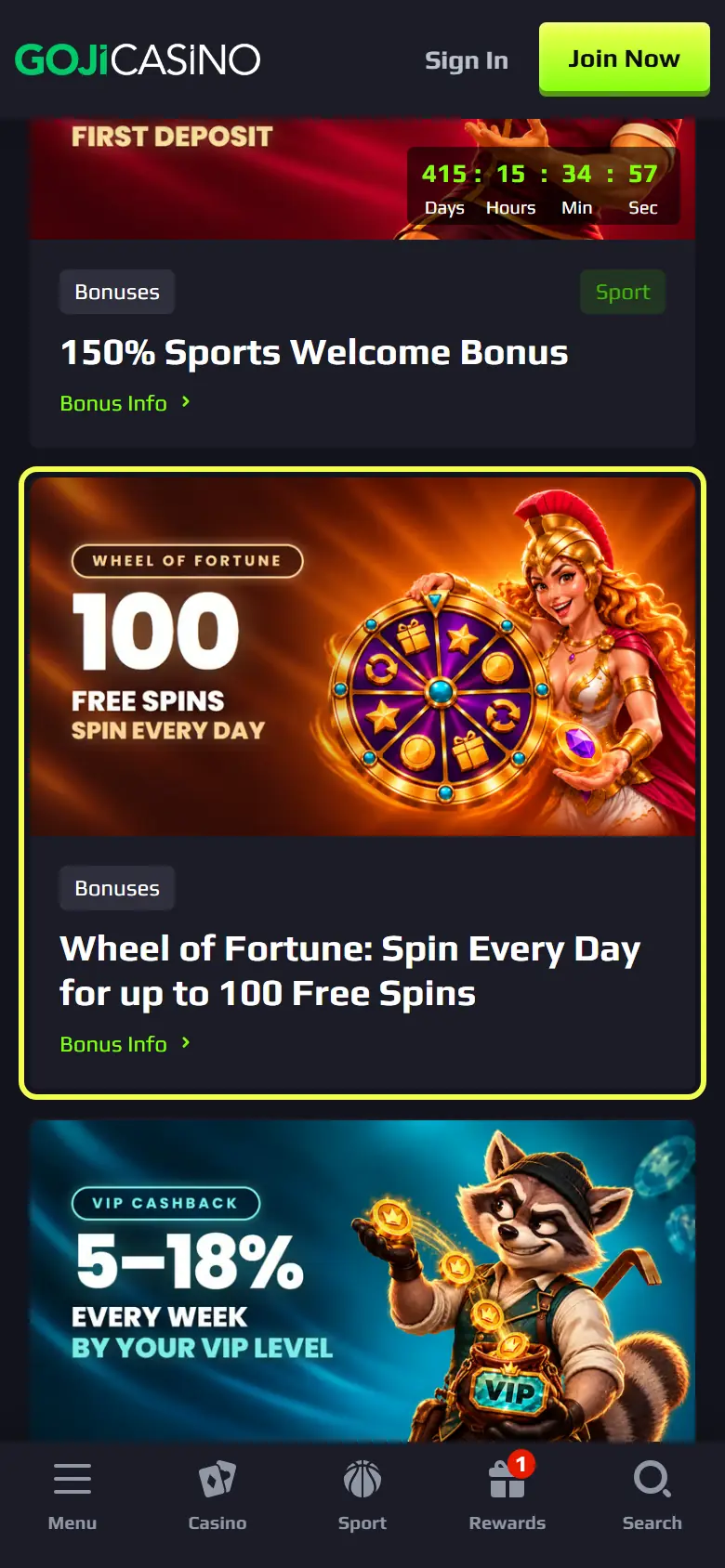
The Wheel of Fortune unlocks after a deposit. Spin once a day for free spins.
Sports bonuses
Choose the sports bonus in the cashier, then bet in Sport. Each selection must meet the minimum odds in the rules.
Offers that work this way
In the cashier, choose the sports bonus before you deposit. 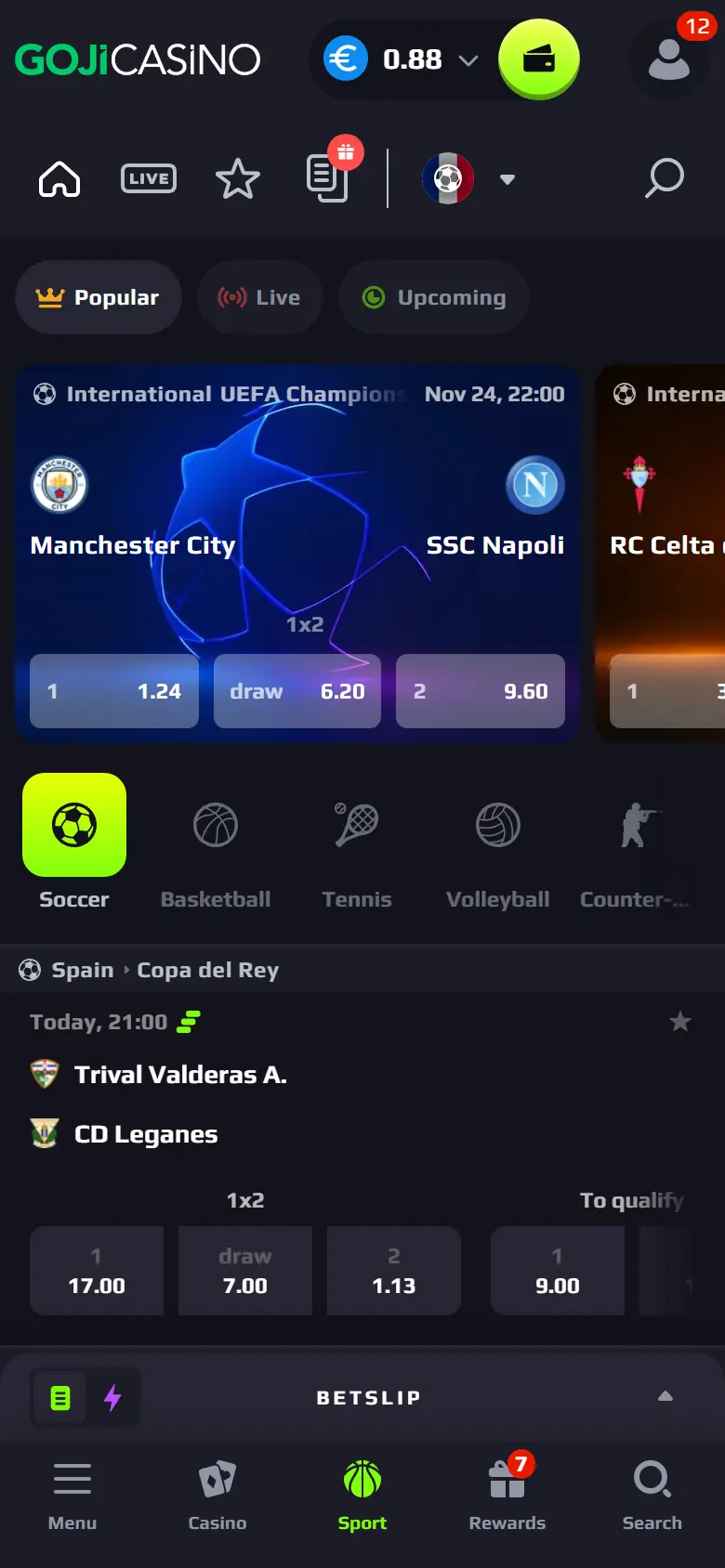
Tap Sport in the bottom bar and place your bets.
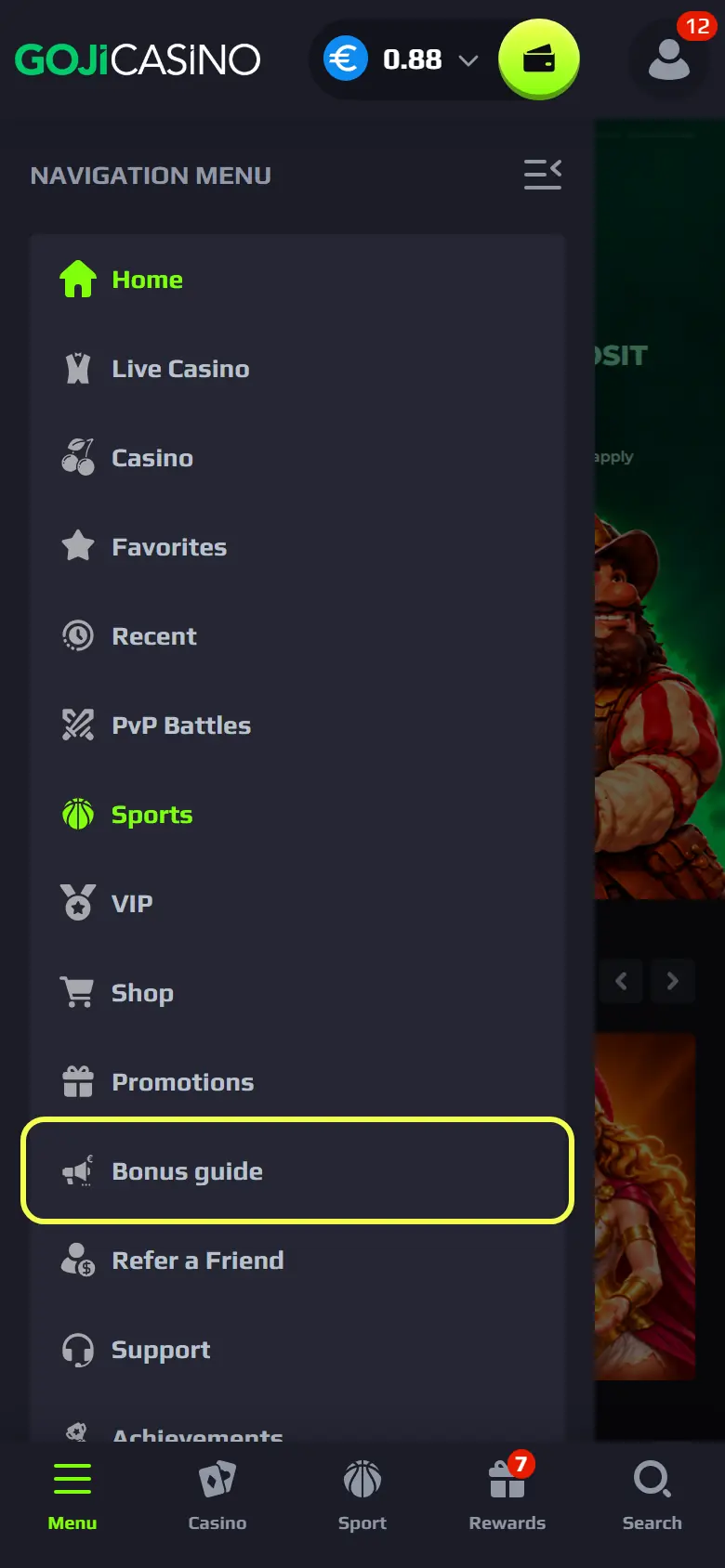
Screens show the site on the day they were taken. Amounts and dates on an offer page are the ones that count.
See every offer
The promotions page lists every bonus that is open now, with its rules.
